Personal
$9 a month billed yearly ($108 a year) or $19 monthly. 40 photos a month, 2x upscale, up to 4,000 px, JPG and PNG.
A photo that looks fine on your phone can fall apart on an 8 by 10 print or a 4K television. The reason is almost always pixels: there are simply not enough of them for the size you want. UnblurPicture lets you increase photo resolution with AI, rebuilding detail as it enlarges, so the picture holds up at the size you actually need. This page explains how many pixels that is.
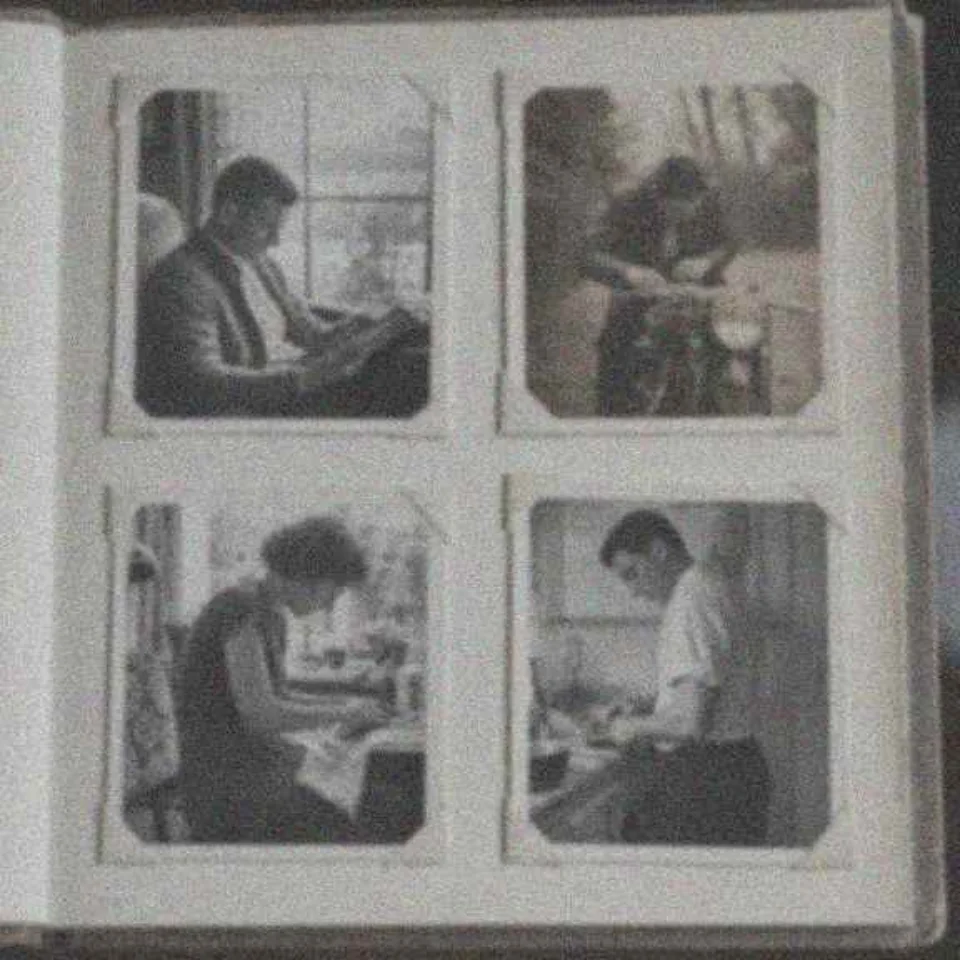
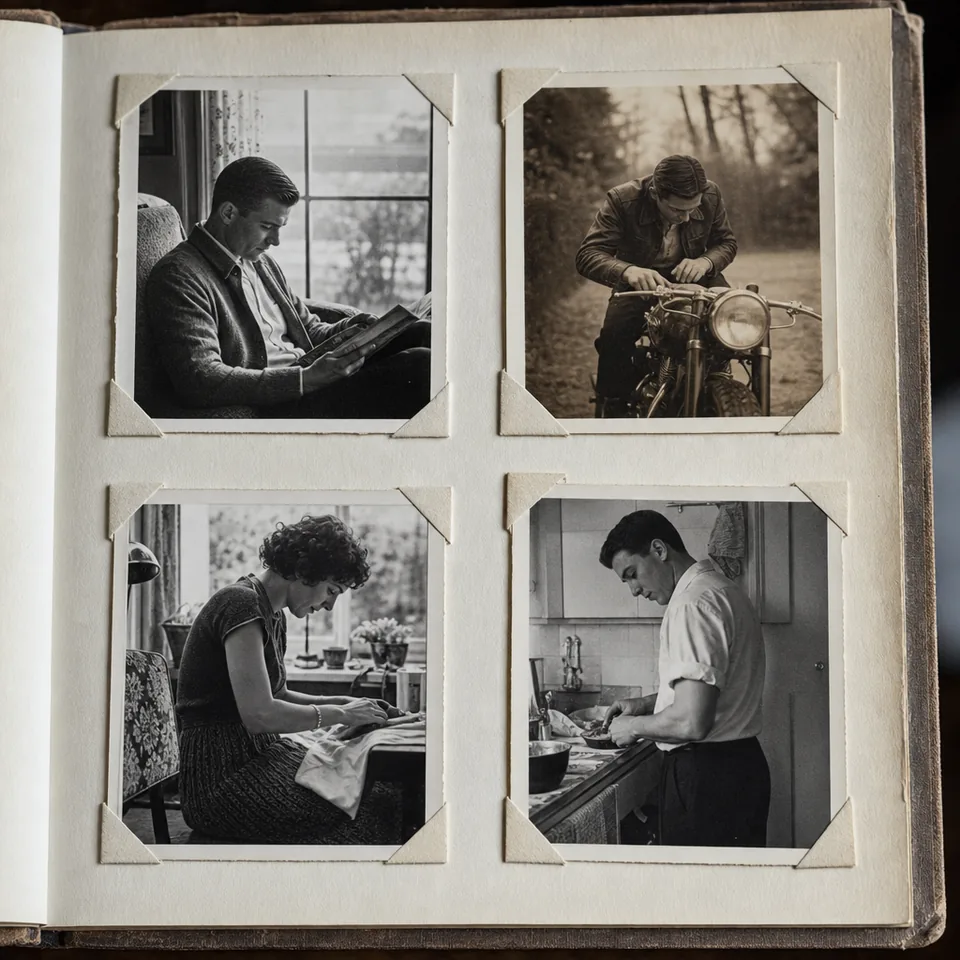
Resolution is the number of pixels in the image, written as width by height, for example 4,032 by 3,024 for a typical 12 megapixel phone photo. That number decides how large the picture can be shown or printed before it looks soft.
DPI and PPI describe density. PPI (pixels per inch) says how many image pixels land on each inch of paper. DPI (dots per inch) strictly describes the printer's ink dots, though most people and most apps use the two words for the same thing. The DPI value stored in a file is only a note. Changing it from 72 to 300 in an editor does not add a single pixel, it only changes the size the file claims to print at.
To really increase photo resolution, you need more pixels with real detail in them. That is what an upscaler adds, and it is why changing the DPI setting alone never fixes a soft print.
300 PPI is the standard for prints viewed up close, such as photos in a frame or an album. 150 PPI is acceptable for large prints and posters that people look at from a few feet away. Multiply inches by PPI to get pixels.
| Print size (inches) | Pixels at 300 PPI | Pixels at 150 PPI | Plan that covers 300 PPI |
|---|---|---|---|
| 4 x 6 | 1,200 x 1,800 | 600 x 900 | Personal |
| 5 x 7 | 1,500 x 2,100 | 750 x 1,050 | Personal |
| 8 x 10 | 2,400 x 3,000 | 1,200 x 1,500 | Personal |
| 11 x 14 | 3,300 x 4,200 | 1,650 x 2,100 | Pro |
| 16 x 20 | 4,800 x 6,000 | 2,400 x 3,000 | Pro |
| 24 x 36 | 7,200 x 10,800 | 3,600 x 5,400 | Pro at 150 PPI |
Personal outputs up to 4,000 px on the long edge, which covers 8 by 10 at 300 PPI and 11 by 14 or 16 by 20 at 150 PPI. Pro and Studio output up to 8,000 px, which covers 16 by 20 at 300 PPI and a 24 by 36 poster at 150 PPI. At 8,000 px a 24 by 36 print lands at about 222 PPI, which looks sharp at normal poster viewing distance.
Say you have a 2,000 by 1,500 px photo from an older phone and you want an 11 by 14 canvas. At 300 PPI the long edge needs 4,200 px, so the photo is about two times too small. With Pro you upscale 4x, the pipeline first removes blur and noise, and the result comes out at 8,000 by 6,000 px, comfortably more than the print needs. The lab scales it down to the exact size, which is always safe.
The same photo on Personal comes out at 4,000 by 3,000 px with a 2x upscale. That is perfect for an 8 by 10 at 300 PPI, or an 11 by 14 at about 285 PPI, which still prints well. Picking the plan by your largest print is the simplest rule.
Screens need fewer pixels than paper, but large screens still expose small photos. A Full HD screen is 1,920 by 1,080 px. A 4K television or monitor is 3,840 by 2,160 px, and a 5K display is 5,120 by 2,880 px. A photo that should fill a 4K screen edge to edge therefore needs at least 3,840 px across, which Personal covers with its 4,000 px output.
For websites the right size is usually the display size times two, for sharp results on high-density phones and laptops. A hero image shown 1,600 px wide looks best at 3,200 px. Product and listing photos often need 2,000 px or more on the long edge so shoppers can zoom, which is covered on the ecommerce photo editing page.
Simple enlargement spreads the same information over more pixels, so the photo gets bigger and softer. Our process reads the photo, cleans noise and compression blocks, reverses blur, and then enlarges 2x or 4x while generating texture that matches what is in the picture. A final light sharpening pass keeps edges clean.
The result has the pixels a printer or a 4K screen asks for and the detail to back them up. For a closer look at the enlargement step itself, see the image upscaler. For old prints that need restoring as well as enlarging, go to restore old photos.
More pixels make a photo printable, and they do not create detail the camera never recorded. A tiny face in a group shot gets cleaner and larger, and it will not turn into a close-up portrait. Very heavy blur may not be fully recoverable. Faces are restored carefully and never reshaped. The tool is for your own photos, not for identification, surveillance images or license plates, and the output is an enhanced photo, not evidence.
Try one photo free in your browser: a 640 px preview with a watermark, without uploading the photo. Full-size output needs a plan, and yearly billing saves 50 percent.
$9 a month billed yearly ($108 a year) or $19 monthly. 40 photos a month, 2x upscale, up to 4,000 px, JPG and PNG.
$24 a month billed yearly ($288 a year) or $49 monthly. 120 photos a month, 4x upscale, up to 8,000 px, TIFF for print, commercial license.
$74 a month billed yearly ($888 a year) or $149 monthly. 360 photos a month, batches of 100, API and 3 team seats.
See pricing for every limit.
No. The DPI value is only a note in the file. Resolution is the pixel count, and only adding pixels with real detail makes a larger print sharper.
2,400 by 3,000 px at 300 PPI. Personal covers that size with room to spare, since it outputs up to 4,000 px on the long edge.
Often yes. Pro upscales 4x up to 8,000 px, which covers a 24 by 36 poster at 150 PPI. The sharper the original, the better the poster.
Yes. A 4K screen is 3,840 px wide, so a 4,000 px photo fills it without enlarging.
Upload your photo, choose 2x or 4x and see the larger version side by side with the original.