Personal
$9/month billed yearly ($108/yr) or $19 monthly, 40 photos a month, up to 4,000 px, 2x upscale
The best moment of the day is often the blurriest photo of it. A toddler mid jump, a dog shaking off water, the first dance under dim lights. UnblurPicture takes that soft shot and makes it clear again, so you can keep the moment instead of the backup photo where nobody is smiling. Drop a picture, choose what kind it is, and see the difference in seconds.
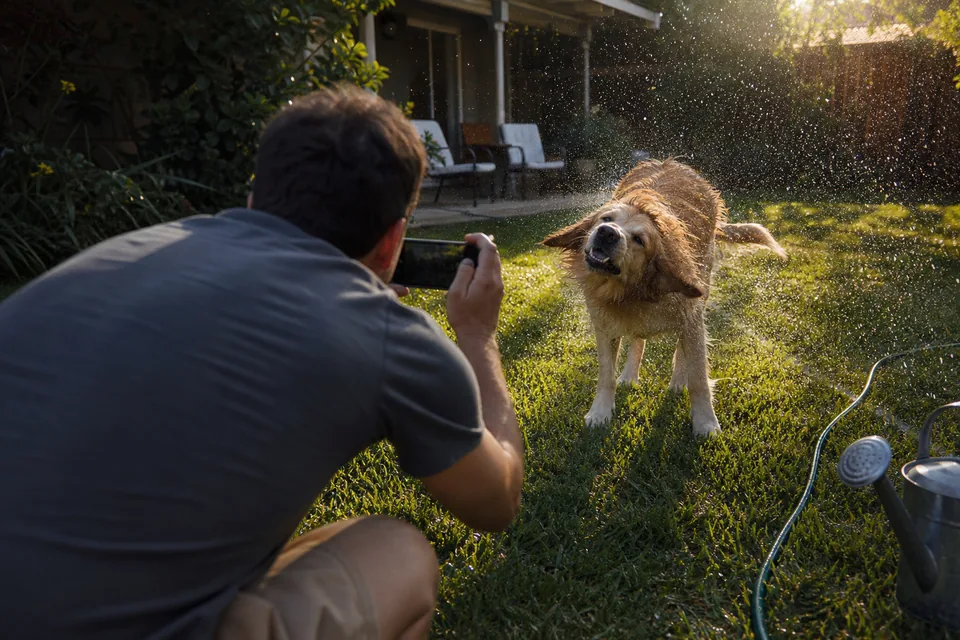
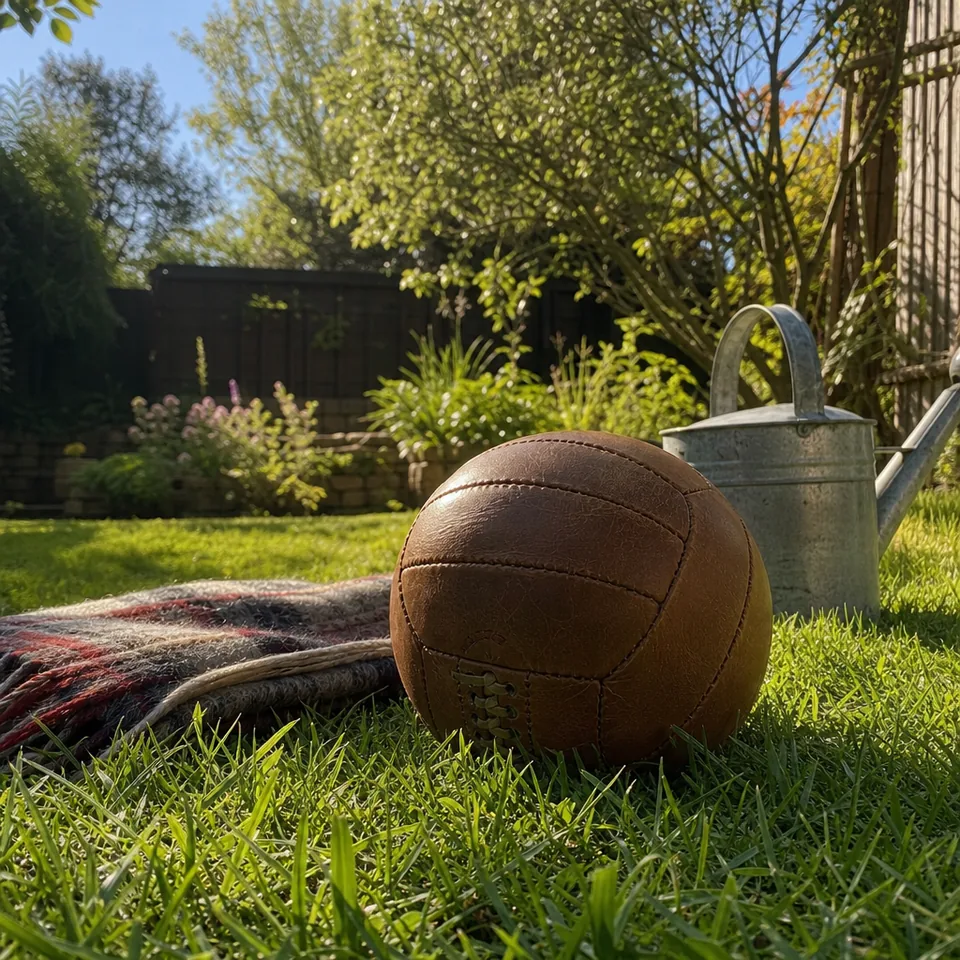
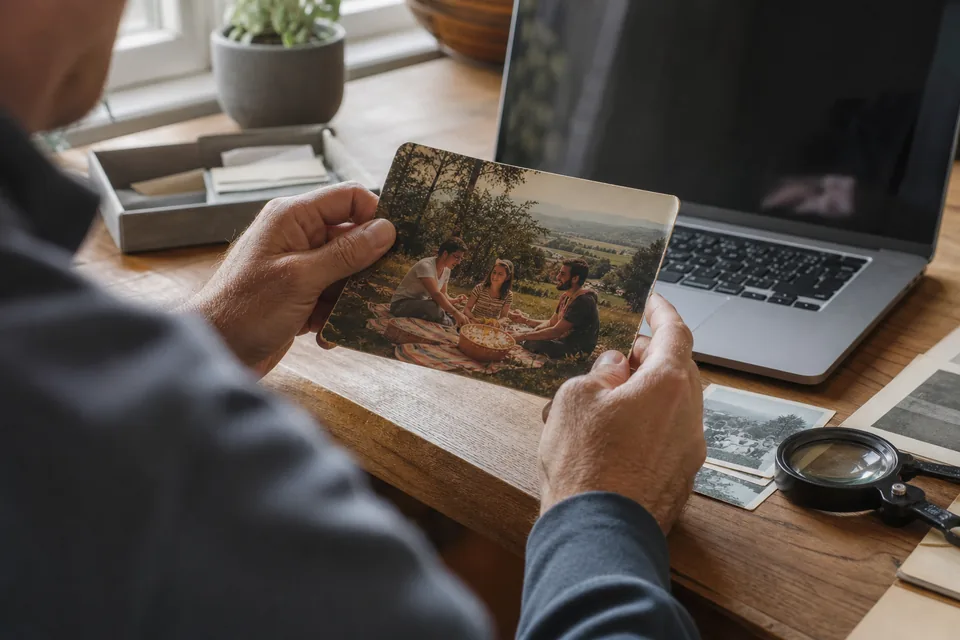
Almost every blurry everyday photo falls into one of three groups, and knowing which one you have helps you choose the right setting.
Many photos mix two of these, which is why UnblurPicture estimates the blur from your actual photo instead of applying one fixed filter.
Motion blur is the most common problem with photos of people who will not stand still. The AI measures the direction and length of the smear, reverses it, and rebuilds edges like eyelashes, hair and the outline of a hand. Mild to medium motion comes back strongly. A subject that moved so far it became a streak gets cleaner, but some detail is simply not in the photo.
Choose the Phone photo preset and Balanced strength for most motion shots. If the result still looks a little soft, try Strong before you give up on the photo.
Phones and cameras often lock onto the most contrasty thing in the frame, which is rarely your daughter's face. Focus blur spreads every point into a soft circle, and it responds well to deblurring because the smear is even. The AI sharpens the subject and keeps a natural fall off into the background, so the photo does not suddenly look like everything was in focus at once.
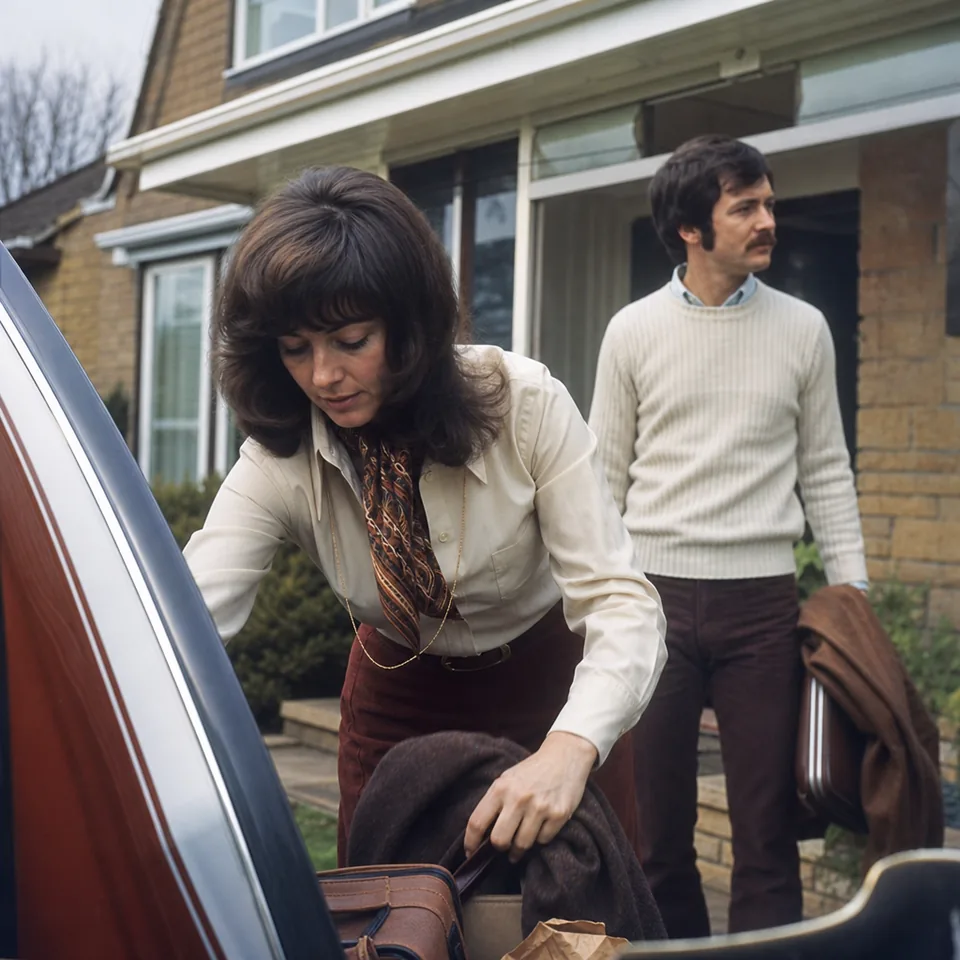
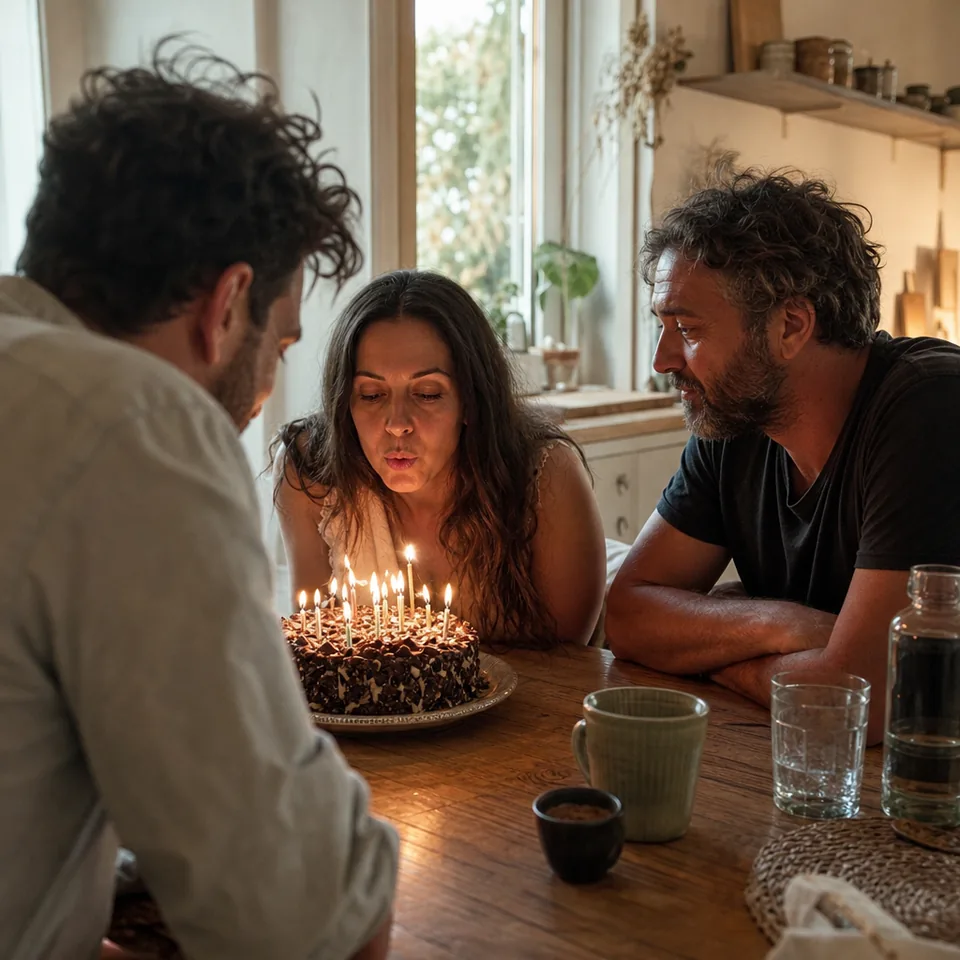
Birthday candles, restaurant tables and backyard evenings produce photos that are soft and full of grain. UnblurPicture separates noise from real texture first, then sharpens what is left. Skin keeps its texture instead of turning waxy, and dark backgrounds lose their color speckles. Very dark photos can be brightened, but they will not look like they were shot in daylight, and that honesty keeps them believable.
These are the photos people care about most and the hardest to take sharp.
If the photo is also small, for example a crop or a screenshot, turn on the 2x upscale. For more control over step by step choices, follow our guide to repair blurry photos.
Drop your photo on the page or tap to choose it. JPG, PNG, HEIC and WebP work.
Pick the kind of photo and the strength, then press Unblur my photo. You watch the steps run live.
Compare before and after with the slider. To download at full resolution without a watermark, choose a plan.
The first preview is free, one photo per device, at 640 px with a watermark. It runs in your browser, and the photo is not uploaded to see it.
UnblurPicture sharpens personal and commercial photos. It is not designed for identifying strangers, reading license plates, enhancing faces from security cameras or uncovering text that was blurred on purpose. The result is an enhanced photo, not evidence. If you want to know what the AI can and cannot recover in general, read how AI unblurs a photo.
Pick a monthly allowance that renews each month. Yearly billing saves 50 percent.
$9/month billed yearly ($108/yr) or $19 monthly, 40 photos a month, up to 4,000 px, 2x upscale
$24/month billed yearly ($288/yr) or $49 monthly, 120 photos a month, batches of 20, 4x upscale, commercial license
$74/month billed yearly ($888/yr) or $149 monthly, 360 photos a month, batches of 100, API, 3 team seats
Compare all features on the pricing page. Cancel anytime, your plan runs to the end of the paid period.
Most motion, focus and low light blur improves a lot. Extreme blur, where the subject became a streak or a face is only a few pixels, gets cleaner but cannot gain detail that was never captured.
No. Faces are sharpened from what the photo already shows, without reshaping features or adding a beauty filter.
No. UnblurPicture works in any modern browser on a phone, tablet or computer. If you prefer an icon on your home screen, see our page about the app to unblur photos.
The free preview runs in your browser without uploading. Full-resolution photos are processed on our servers and kept in your history for 30 days, and you can delete them earlier.
Your favorite blurry photo is one click away from being the one you print.