Personal
$9 a month billed yearly ($108 a year) or $19 monthly. 40 photos a month, 2x, up to 4,000 px.
Making a picture bigger is easy. Making it bigger and still sharp is the hard part. UnblurPicture is an image upscaler that enlarges your photo 2x or 4x and rebuilds the fine texture that a larger picture needs, so edges stay clean and surfaces look real instead of waxy. It works in your browser, and the output goes up to 4,000 px on Personal and 8,000 px on Pro and Studio.
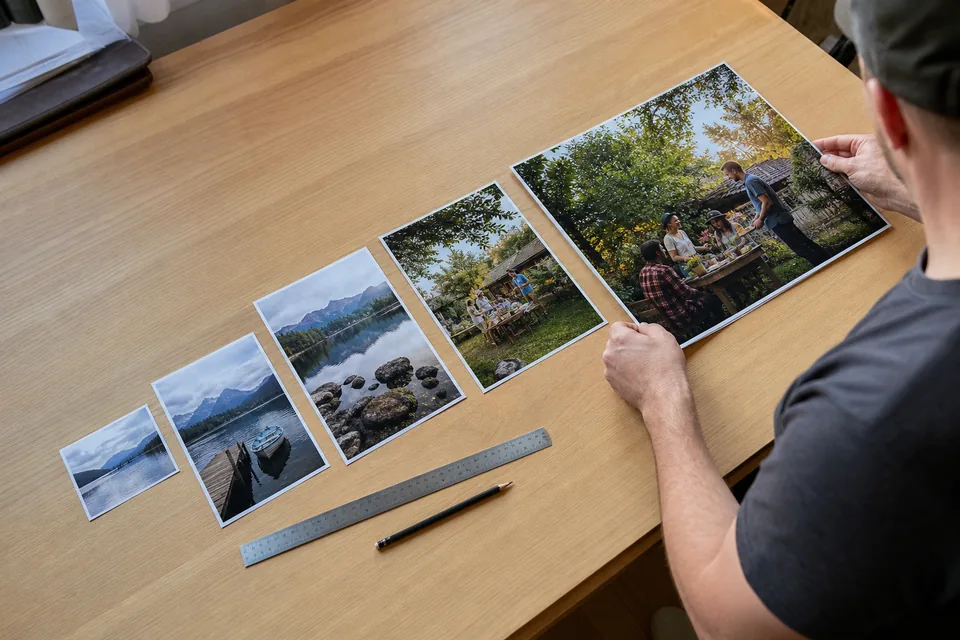
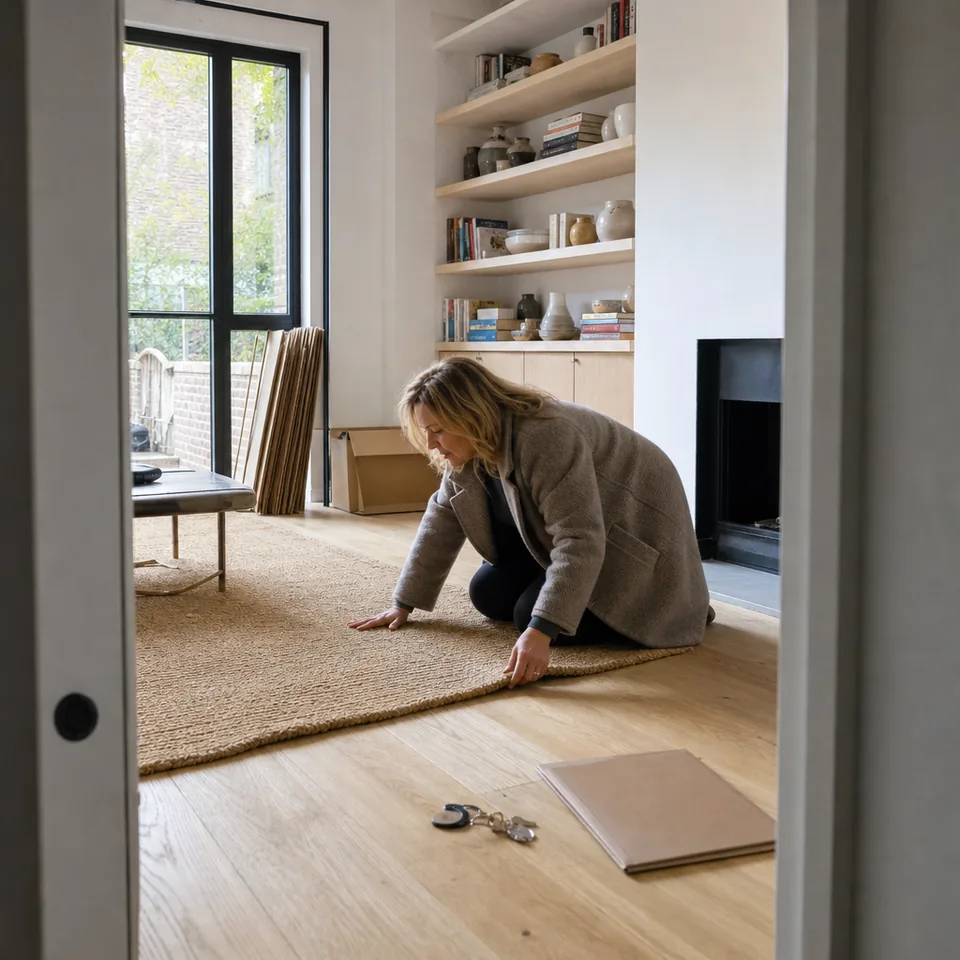
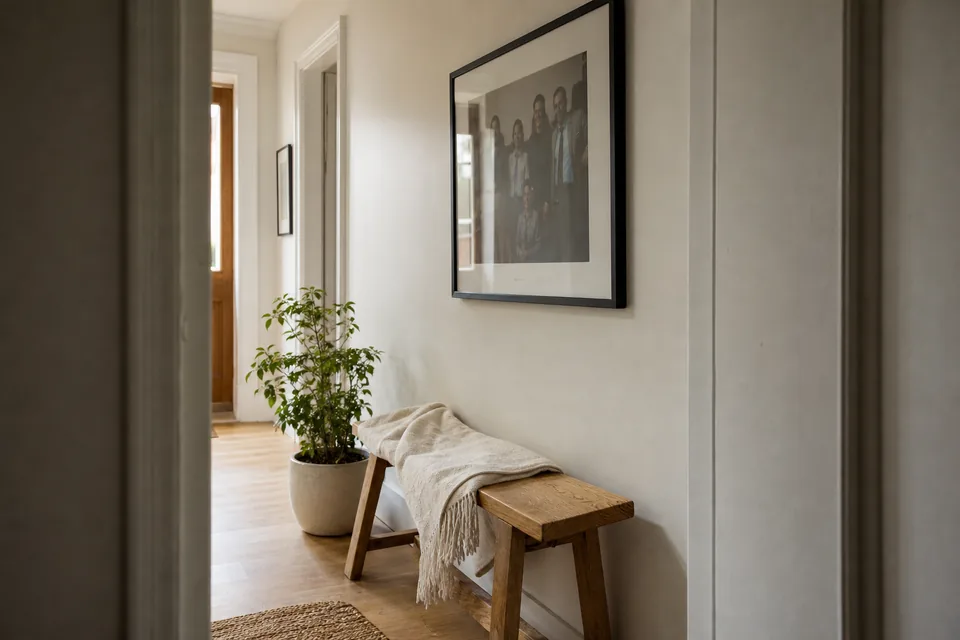
When you resize a photo in a regular editor, the software invents new pixels by averaging the neighbors. Bicubic and similar methods do this well for small changes, and for large ones they produce a soft, smeared picture with stair steps on diagonal lines. The image is bigger, and it does not hold more information.
An AI image upscaler works differently. It studies what the photo shows (the curl of hair, the weave of a cushion, the grain of a wooden table) and generates new pixels that continue those patterns at the larger size. Edges are rebuilt as edges, textures as textures. The result has more usable detail at the new size than any averaging method can give.
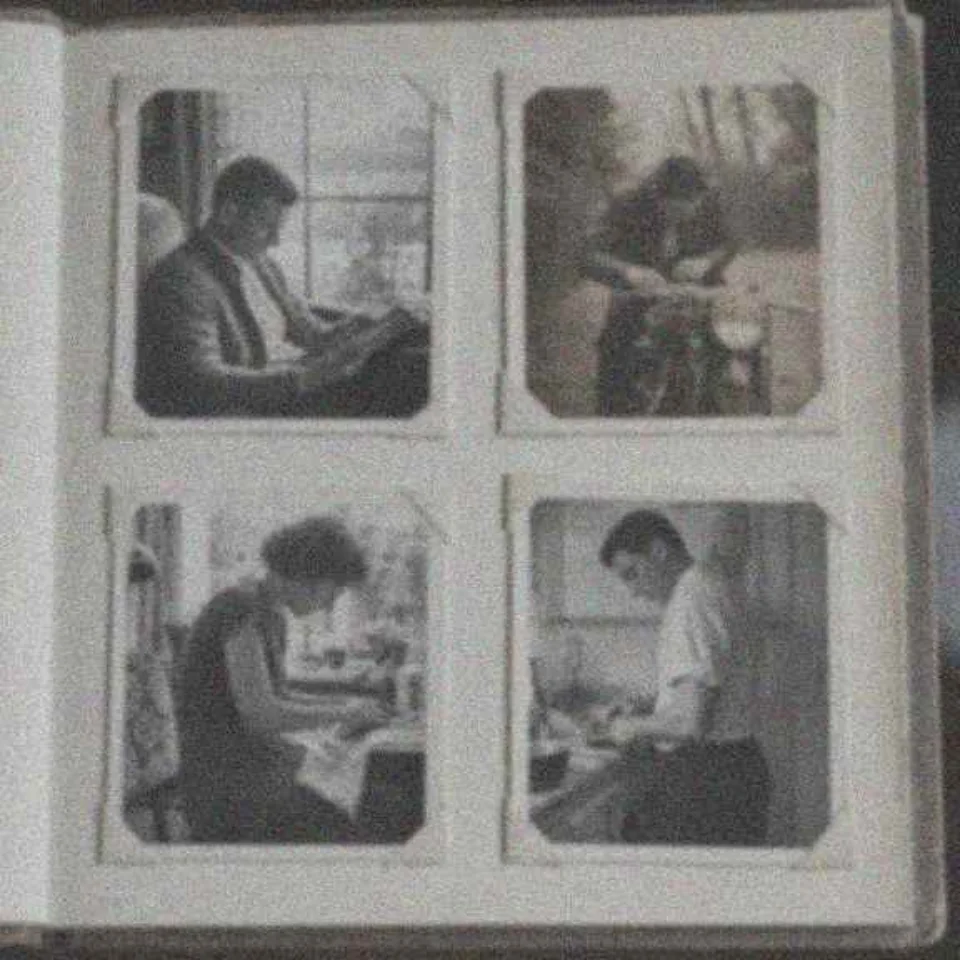
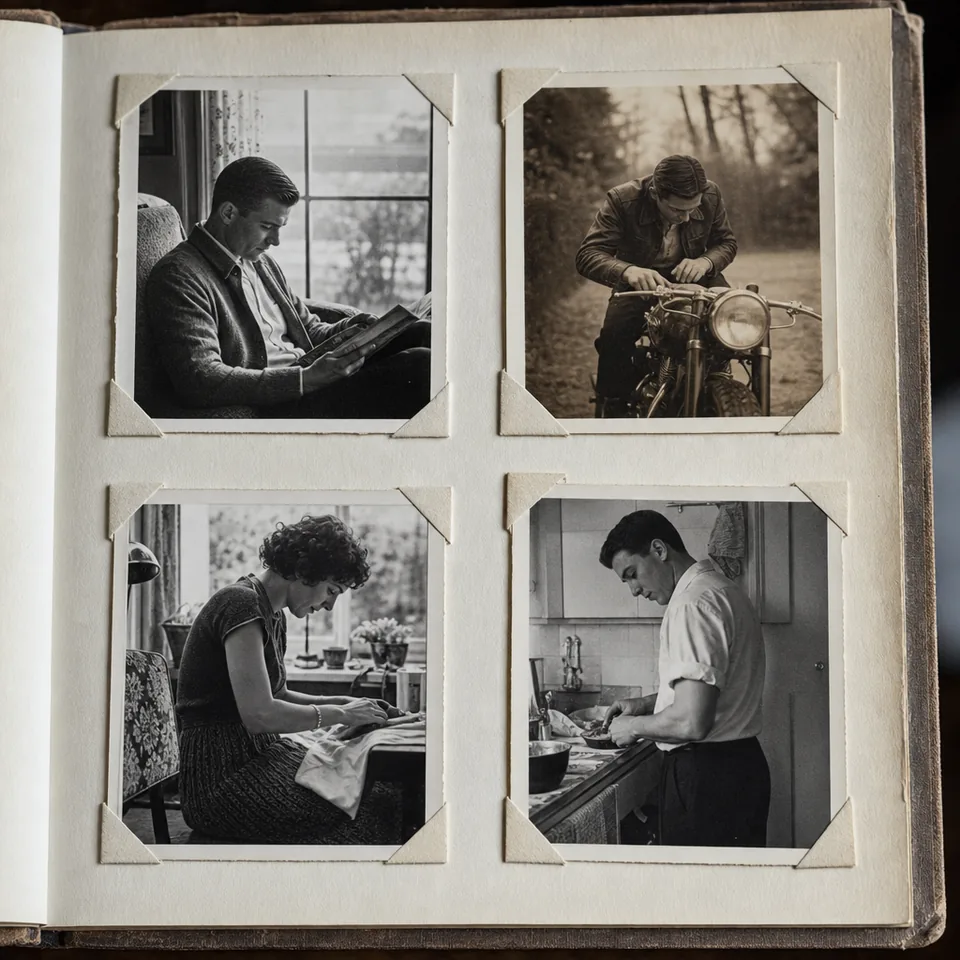
2x doubles the width and height, which means four times as many pixels. It suits most phone photos, scans of standard prints and web images that need to fill a larger slot. A 2,000 px photo becomes 4,000 px, the Personal maximum.
4x multiplies width and height by four, which means sixteen times as many pixels. It is the right choice for small originals: a 1,200 px product shot that has to meet a marketplace zoom requirement, a still from a 720p video, or an old print scanned at a low setting that you want to print large. 4x is part of Pro and Studio, with output up to 8,000 px on the long edge.
If the original is already large, the upscaler stops at the plan maximum and does not stretch the photo past it.
If a small photo is also blurry, enlarging it first just makes a bigger blur. Our pipeline reads the photo, removes noise and compression marks, reverses motion or focus blur, and only then upscales. The final step is a light sharpening pass. This order is the reason a soft phone photo can come out both larger and clearer.
If your photo is sharp but small, the upscaler is all you need. If it is soft at any size, read unblur photo or sharpen image to see what happens first.
JPG is best for sharing and the web, PNG keeps graphics and screenshots lossless, and TIFF is the safe choice when a lab or a designer will work on the file afterward. Upload limits are 25 MB per photo on Personal and 50 MB on Pro and Studio. If you are planning a print and want to know how many pixels each size needs, the table on increase resolution of image does the math for you.
Online sellers, real estate teams and print shops rarely have just one photo. Pro uploads up to 20 photos at a time and returns a ZIP, and Studio takes up to 100 at a time or a whole folder, with 3 team seats and a shared library. Developers can call the image upscaling API on Studio with an API key and get a webhook when a batch is done. The workflow for large jobs is described on the bulk image upscaler page.
Upscaling adds detail that fits the photo. It does not reveal what was hidden. A sign that is a few gray pixels stays unreadable, and a face that is tiny in the frame becomes larger and cleaner, not identifiable. Faces are handled carefully and never reshaped.
UnblurPicture is not for identification, surveillance images, license plates or text that was blurred on purpose. The output is an enhanced photo, not evidence.
The free preview shows one photo per device with 2x upscale at 640 px and a watermark, processed in your browser so the photo is not uploaded. A plan unlocks full-size output. Yearly billing saves 50 percent.
$9 a month billed yearly ($108 a year) or $19 monthly. 40 photos a month, 2x, up to 4,000 px.
$24 a month billed yearly ($288 a year) or $49 monthly. 120 photos a month, 4x up to 8,000 px, TIFF, batches of 20, commercial license.
$74 a month billed yearly ($888 a year) or $149 monthly. 360 photos a month, batches of 100, API, 3 seats, priority queue.
Compare all limits on pricing.
Personal outputs up to 4,000 px on the long edge. Pro and Studio output up to 8,000 px, which is enough for a 16 by 20 inch print at 300 PPI.
No. The upscaler rebuilds texture at the new size and runs after deblurring and noise cleanup, so the larger photo stays crisp rather than soft.
No. Width and height grow by the same factor, and the framing stays exactly as you uploaded it.
Yes. PNG input and output keep sharp edges and flat colors, which suits screenshots, logos you own and illustrations.
Upload a photo, pick 2x or 4x and compare the result side by side.