How to Unblur a Picture and What Actually Works in 2026
The kinds of blur you will meet, how editor sharpening, deconvolution and AI restoration compare, the steps that give the best result and the honest limits of every method.
Practical guides for anyone with a photo that matters and a problem to solve. We explain why photos come out blurry, which fixes actually work, how to scan and restore old family prints, how many pixels a print really needs, what marketplaces expect from product photos and how to pull a clear still out of a video. Every guide is written to be useful on its own, whatever tool you end up using. If you want to try a fix right away, start with the unblur photo tool, the page on picture restoration for old prints, or the image upscaler for files that are too small.
The kinds of blur you will meet, how editor sharpening, deconvolution and AI restoration compare, the steps that give the best result and the honest limits of every method.
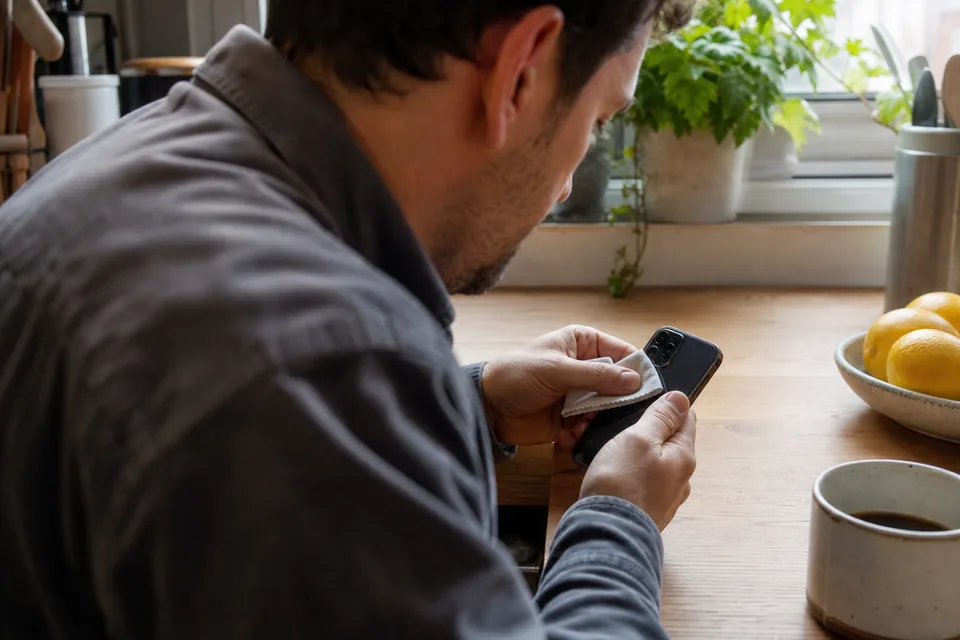
Lens cleaning, focus lock, Night mode, picking a sharper Live Photo key photo, Photos app edits and what to do when an iPhone photo is still blurry after all of that.
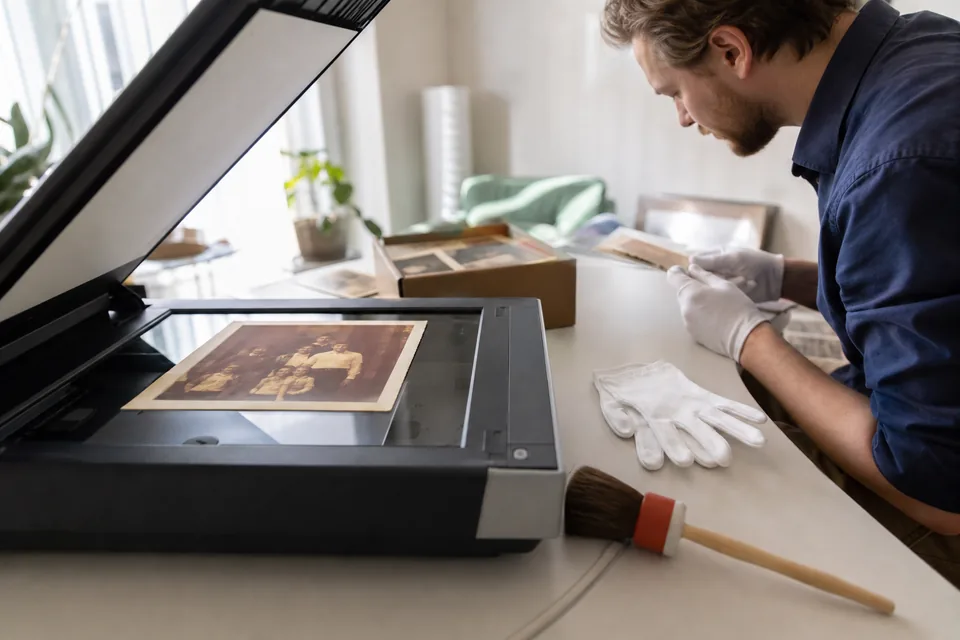
Handling fragile prints, scanning at 600 dpi or more, flatbed scanner or phone, digital dust cleanup, restoring sharpness and faded color, archiving the files and printing new copies.
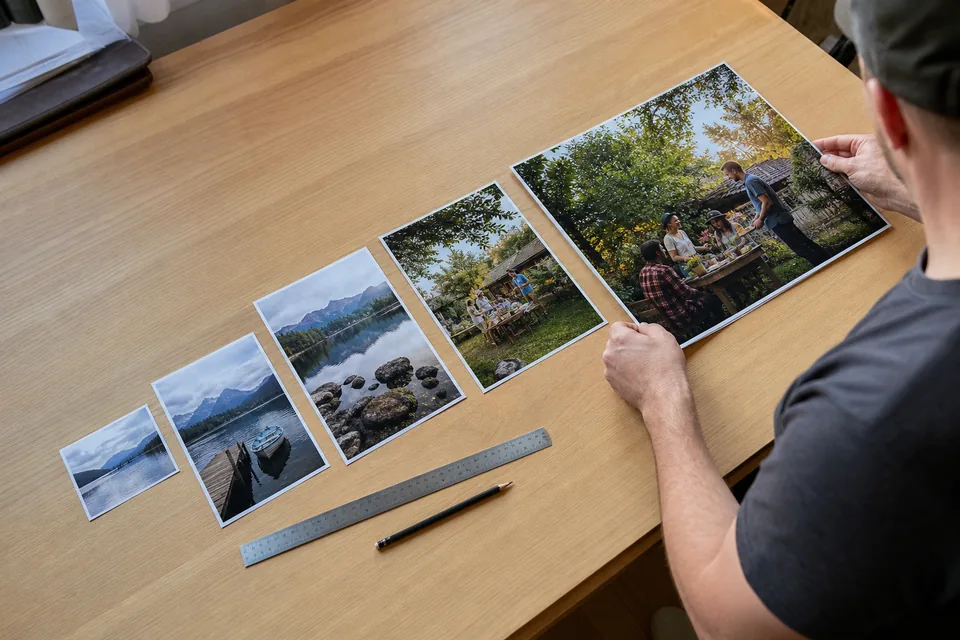
PPI vs DPI in plain words, a table of pixel dimensions for every common print size at 300 and 150 PPI, how viewing distance changes the rules and how to upscale a file for print.
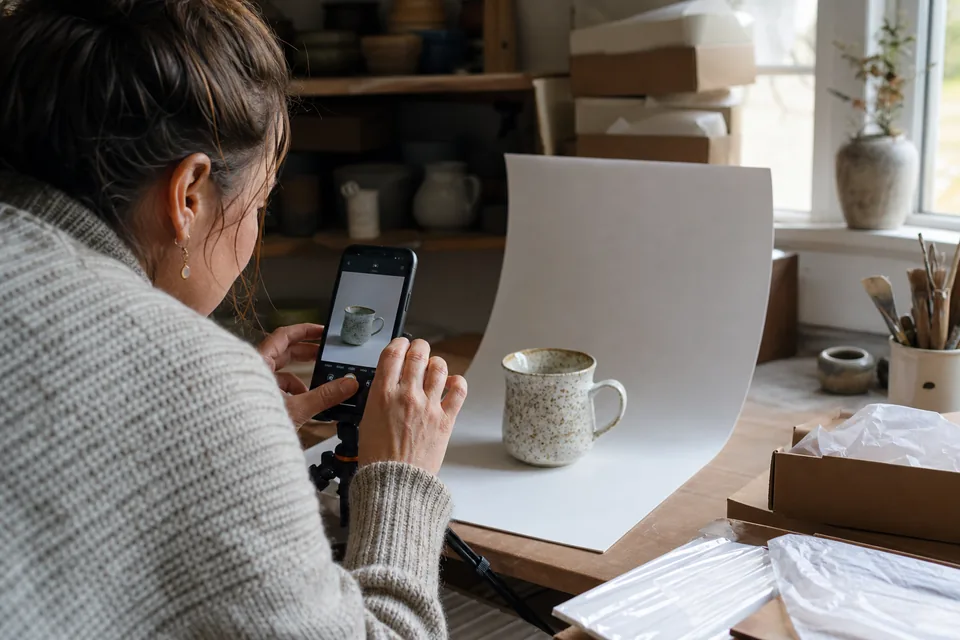
What Amazon, Etsy, eBay and Shopify themes commonly ask for, why sharpness matters more than file size for zoom, and how to sharpen a whole batch of product photos at once.
Finding the sharpest frame, exporting it at full resolution instead of a screenshot, recording video that gives better stills and repairing the frame with the Video still type.