Personal
$9/month billed yearly ($108/yr) or $19 monthly, 40 photos a month, up to 4,000 px, 2x upscale
A blurry photo is not a broken file. It is a sharp scene that got smeared on its way into the camera, by a moving hand, a missed focus point or too little light. This page walks through what happens between the moment you drop a picture into UnblurPicture and the moment you download a clear version, what the AI is good at, where it stops, and what happens to your photo along the way.
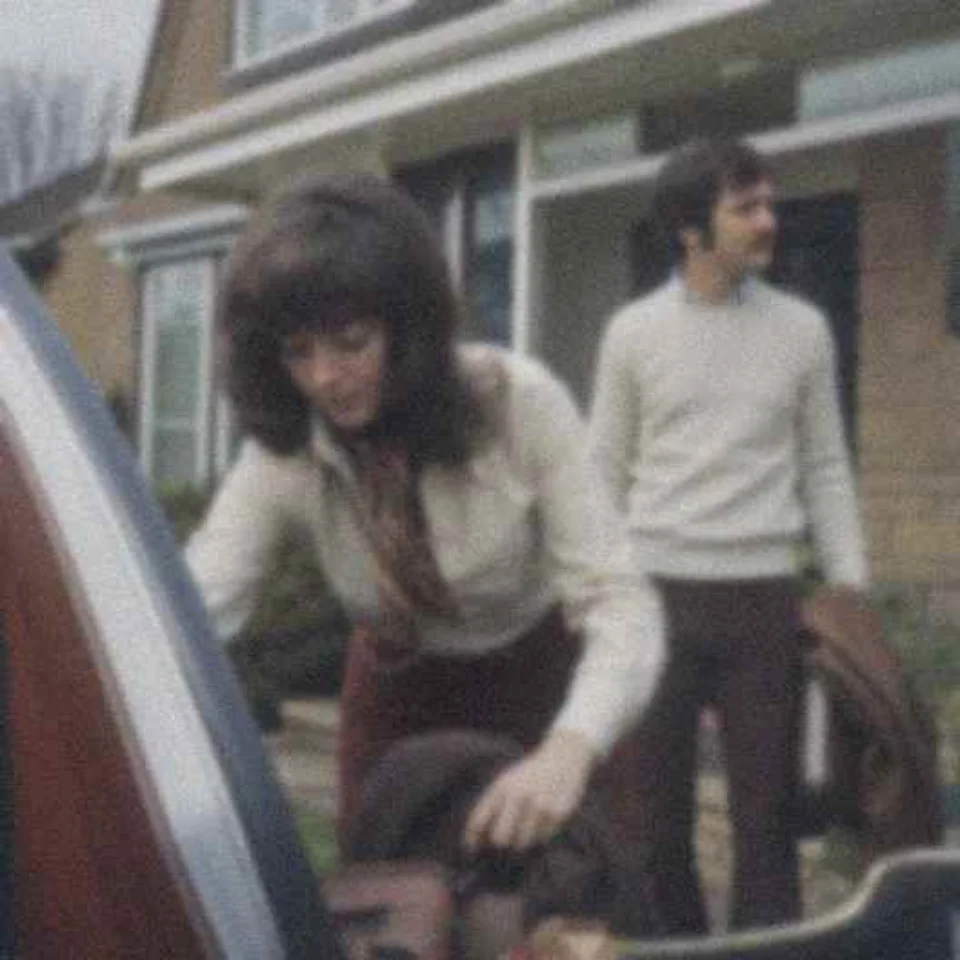
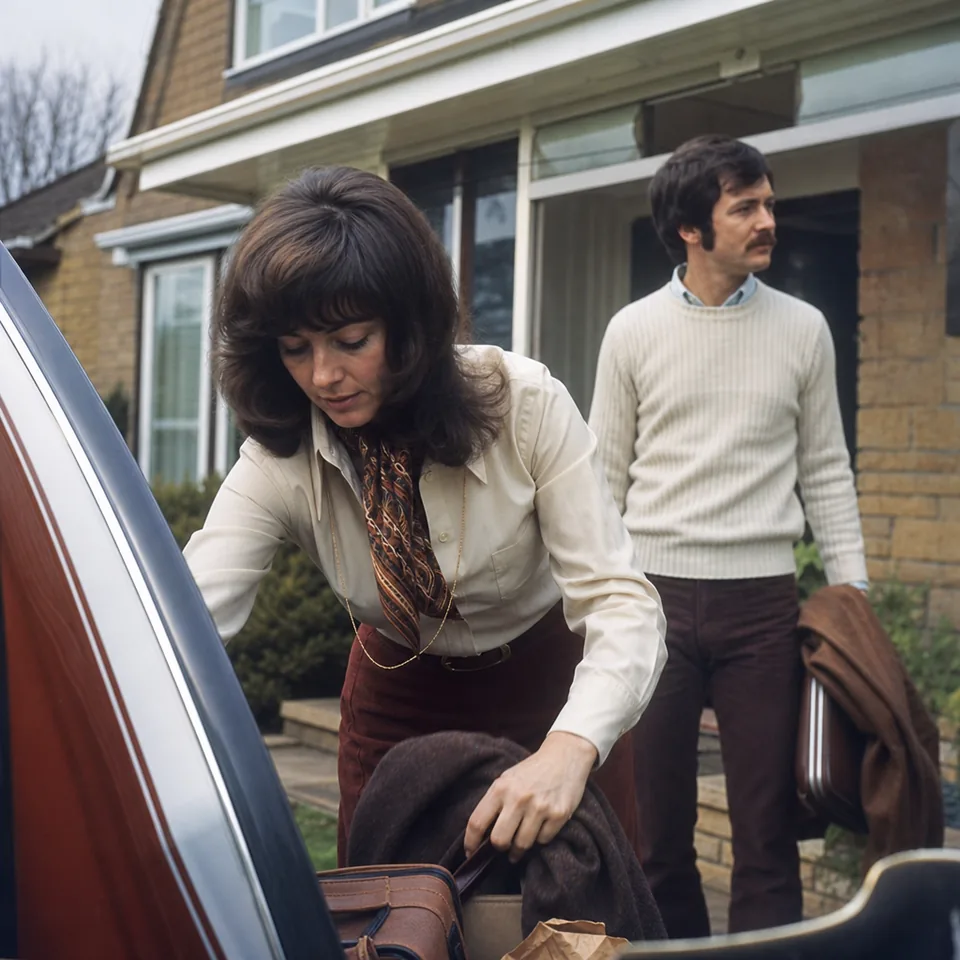
UnblurPicture works in two stages, and it helps to know which one you are looking at. The first is the free preview. When you drop a photo on the page, your own browser shrinks it to 640 px and runs a classic deblur routine on your device, so you can judge the result in a few seconds. The photo is not uploaded to see that preview, and the result carries a watermark drawn into the pixels.
The second stage is the full-resolution restoration that comes with a plan. Here the photo is sent over an encrypted connection to our processing servers, where AI models rebuild detail at the size you need for printing or posting, up to 4,000 px on Personal and up to 8,000 px on Pro and Studio. The preview shows you the direction of the fix. The full run is where the real detail work happens.
Before anything gets sharper, the system has to understand how the photo got soft. Motion blur leaves streaks in one direction, like a light smeared into a short line. Focus blur spreads every point into a soft disc. Low light adds grain on top, and a heavily compressed file adds blocky edges that look like blur but behave differently.
The model looks at edges, highlights and textures across the frame and builds an estimate of that smear, often called the blur kernel.
With the blur understood, the AI reverses as much of it as the photo allows and then fills in fine structure that matches what is already there. Eyelashes, the weave of a sweater, brick lines on a wall and the grain of a wooden table are patterns the model has learned to recognize, so it can redraw them crisply where the blurred version only hints at them.
This is also where noise gets cleaned up. The model separates random grain from real texture, so skin does not turn into plastic and a carpet keeps its pile. The strength setting decides how far it goes. Gentle keeps the photo close to the original, Balanced suits most pictures, and Strong is for shots that are badly smeared.
Faces get their own pass because people notice a wrong face instantly. The goal is your grandmother looking like your grandmother, only clearer. The model sharpens eyes, lips and hairlines using what the photo already shows, and it does not swap in a generic face, change the shape of a jaw or smooth away age lines that belong to the person.
Textures that are not faces get the same respect. Paper grain on an old print, fabric, foliage and hair are kept as texture instead of being flattened. If you ever feel a result looks too polished, lowering the strength one step usually brings back the natural feel.
Many blurry photos are also small: an old scan, a frame grabbed from a video, a picture saved from a message. After the deblur, the image can be enlarged 2x on Personal or 4x on Pro and Studio. The upscale is done with the same detail model, so new pixels follow real edges instead of turning into soft blocks.
For printing, a useful rule is 300 pixels per inch. A 4,000 px long edge covers a sharp 13 inch print, and 8,000 px covers prints over two feet wide. If you want to go deeper on sizes, see our guide on how to increase resolution of image files for print.
Being clear about limits saves you time and disappointment. AI rebuilds detail from information the photo still contains. When a face is ten pixels wide, or a subject moved so far that it became a streak, there is nothing left to rebuild from, and the honest result is a cleaner but still soft picture. Extreme blur may not be fully recoverable, and we would rather say so than show you invented detail.
UnblurPicture is a photo tool, not an identification tool. It is not built for reading license plates, identifying people, enhancing faces from security cameras or uncovering blurred or pixelated text, and the output is an enhanced photo, not evidence.
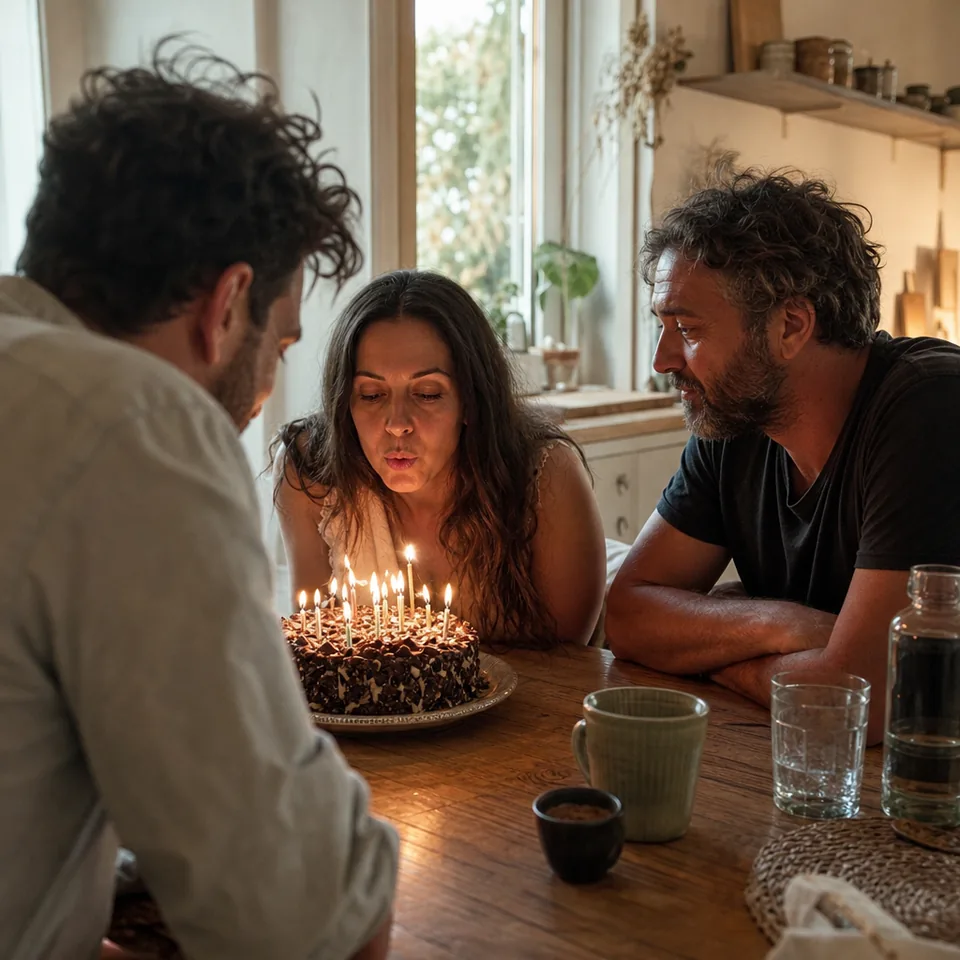
For the preview, nothing leaves your device. Your browser does the work, and closing the tab removes the result. For full-resolution processing, the photo travels over an encrypted connection to our servers, gets processed, and the result waits in your history for 30 days, after which it is deleted. You can delete any photo earlier. Details are on our security page.
The preview is a one-time look at one photo per device. Full-resolution results come with a monthly plan, and the yearly option saves 50 percent.
$9/month billed yearly ($108/yr) or $19 monthly, 40 photos a month, up to 4,000 px, 2x upscale
$24/month billed yearly ($288/yr) or $49 monthly, 120 photos a month, batches of 20, 4x upscale, TIFF, commercial license
$74/month billed yearly ($888/yr) or $149 monthly, 360 photos a month, batches of 100, API, 3 team seats
Compare everything side by side on the pricing page, or go straight to the practical guide to repair blurry photos.
No. A sharpening filter raises contrast along edges. The AI first estimates how the photo was blurred, reverses that smear, and then redraws fine detail that matches the photo, which is why results look clear instead of crunchy.
The preview runs a lighter deblur routine inside your browser so your photo does not have to be uploaded. The full-resolution result uses our AI models on our servers and shows more detail, especially in faces and textures.
It should not. Faces are sharpened from what the photo already shows, without swapping features or smoothing away age. If a result ever feels too polished, a gentler strength keeps it closer to the original.
No. UnblurPicture is made for personal and commercial photos, not for identification, reading plates or uncovering hidden text, and the result is an enhanced photo, not evidence.
Drop one blurry picture into the preview and watch the steps run live. For family photos, start with our page on picture restoration. For everyday shots, try the unblur photo tool.