Ecommerce Photo Editing for Sharp, Zoom-Ready Product Photos
Soft product photos cost clicks. UnblurPicture sharpens and upscales your listing images in batches, so every bottle, ring, sneaker and mug looks crisp when a shopper zooms in, without sending a single file to a retouching agency.


Why soft product photos hurt your listings
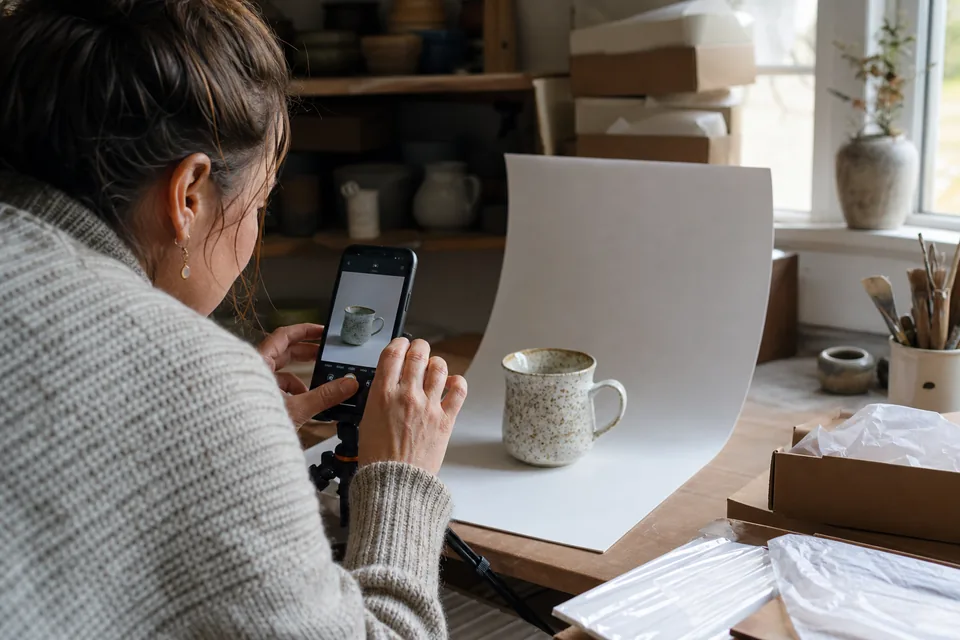
Shoppers cannot touch what you sell, so the photo does the job of the product in their hand. When the label is fuzzy, the stitching is smudged or the texture turns to mush on zoom, people scroll to the next seller. Most soft product photos come from ordinary causes: a phone camera focusing on the background, a slow shutter in a dim spare room, a supplier image that is too small, or an old catalog shot that was compressed twice.
Reshooting is the honest fix when you can, but it is rarely practical for a catalog of hundreds of items or for products you no longer have on hand. Manual retouching in a desktop editor takes minutes per image and still leaves halos around edges. UnblurPicture gives you a third way that fits the weekly rhythm of a store.
Ecommerce product photo editing that keeps your product true
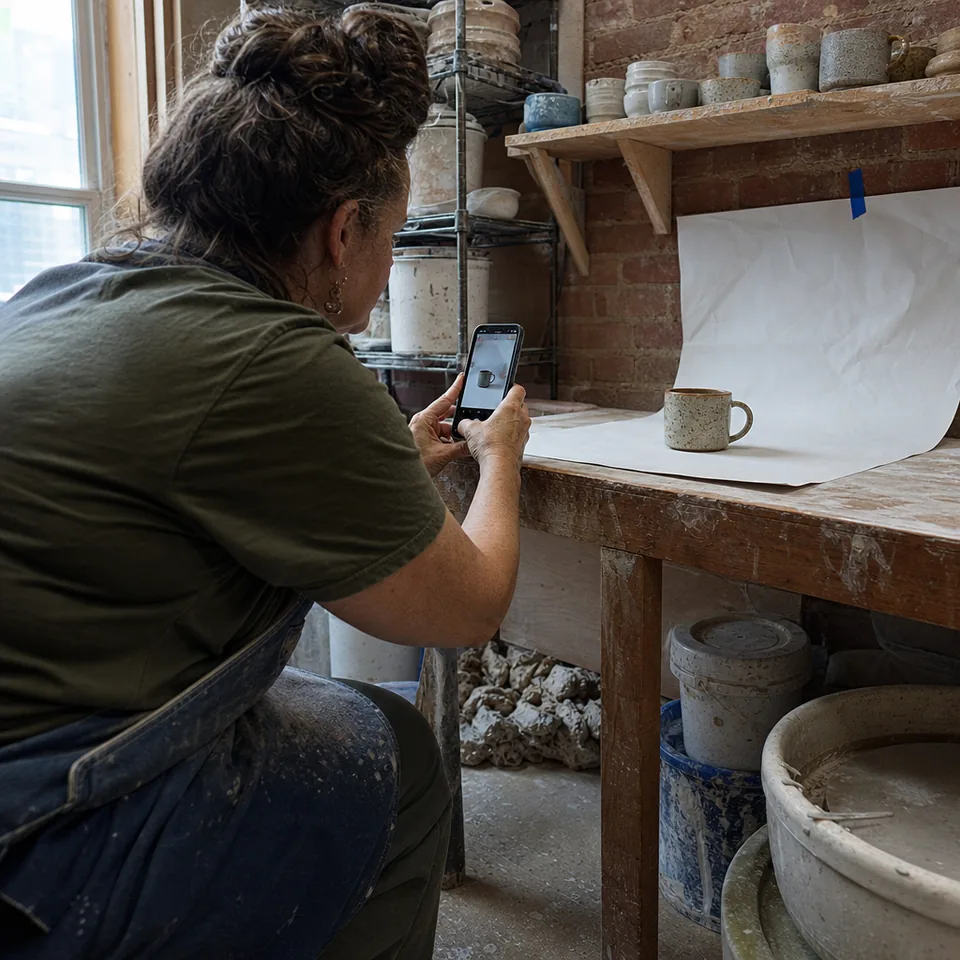
Our AI looks at each photo, estimates how it was blurred and rebuilds edges, fine print, fabric weave and surface texture from the detail that is actually in the file. It then upscales the result so you have room for marketplace zoom. Colors, shape and proportions stay as they are, because a product photo that misrepresents the item leads to returns.
- Sharpens motion blur and missed focus from phone and camera shots
- Cleans compression blocks from supplier images and old exports
- Upscales 2x or 4x, up to 8,000 px on the long edge on Pro
- Keeps colors, logos and product shape unchanged
- Exports JPG, PNG and TIFF for print catalogs
Product photos that meet marketplace image rules
Every marketplace publishes its own image guidelines, and they change from time to time. As a general pattern, many of them recommend a long edge of about 1,000 px or more so the zoom feature works, a clean and well focused product, and a plain background on the main image. UnblurPicture handles the two parts that are hardest to fix after the shoot, sharpness and resolution, so a slightly soft 800 px photo can become a clear image that leaves room for zoom.
We do not replace backgrounds or add props, and we recommend checking the current help pages of Shopify, Etsy, Amazon or eBay for the exact numbers before you upload. Our guide on product photo requirements for marketplaces walks through what to look for.
How a weekly batch works for online sellers


Drop up to 20 photos at once on the Pro plan, pick the Product photo preset and a strength level, and start the batch. The preset is tuned for hard edges, printed labels and reflective surfaces, so it sharpens packaging text you own and fine product detail without crunchy halos. When the batch finishes, check any image with the before and after slider, then download all of them in one ZIP.
- 1
Upload a batch of up to 20 photos
- 2
Choose the Product photo preset and Gentle, Balanced or Strong
- 3
Review results side by side with the slider
- 4
Download everything as one ZIP and upload to your store
One batch replaces an afternoon of manual retouching, and the next batch can start while you write descriptions. If your catalog is larger, the bulk image upscaler page explains batches of 100 and folder upload on Studio.
Why sellers choose a plan over per-photo agency fees
Retouching services usually charge per image and need a turnaround of a day or more. A monthly plan gives you a fixed allowance of full-resolution photos that renews every billing period, so you know the cost of your image work before the month starts.
- Commercial license included on Pro and Studio, for listings, ads and client work
- One monthly invoice with your business details
- No credit packs and no per-photo purchases
- Your photos are deleted automatically after 30 days, or earlier on request
Agencies and developers who manage images for many stores can connect through the image upscaling API on Studio and process new uploads automatically.
What AI sharpening can and cannot do for product photos
AI rebuilds detail from what the photo contains. A slightly soft shot, a small supplier image or a compressed export usually comes back clean. A photo that is so blurred the product is a smear cannot be turned into a studio shot, because the information was never captured. In that case a reshoot is faster than any software, and we will say so. We also do not invent text on labels: unreadable small print stays unreadable, and the result is your photo, sharper, not a new rendering of the product.
For a deeper look at the method, see how AI unblurs a photo.
Plans for stores of every size
Prices below are billed yearly, which saves 50 percent. Monthly billing is also available.
| Plan | Price | Photos per month | Batch | Max output | License |
|---|---|---|---|---|---|
| Personal | $9/month billed yearly ($108/yr) or $19 monthly | 40 | One photo at a time | 4,000 px | Personal |
| Pro | $24/month billed yearly ($288/yr) or $49 monthly | 120 | 20 photos, ZIP | 8,000 px, TIFF | Commercial |
| Studio | $74/month billed yearly ($888/yr) or $149 monthly | 360 | 100 photos, folder upload | 8,000 px, TIFF | Commercial, 3 seats |
Online sellers start on Pro, because commercial use and batches begin there. Compare every feature on the pricing page. Cancel anytime, your plan runs to the end of the paid period.
Ecommerce photo editing questions
Can I use the results on Amazon, Etsy, Shopify and eBay?
Yes. Pro and Studio include a commercial license, so you can publish the enhanced photos in listings, ads and catalogs. Personal is for personal use only.
Will the color of my product change?
No. The Product photo preset sharpens and upscales without shifting colors or reshaping the item, so the photo still matches what the buyer receives.
Does it remove or replace backgrounds?
No. UnblurPicture focuses on sharpness, detail and resolution. Use your usual tool for background work before or after enhancing.
What happens when I reach 120 photos in a month?
Processing pauses until your allowance renews with the next billing period, or you can move to Studio for 360 photos a month. There are no top-ups.
Give every listing a sharp first photo
Upload a batch, pick the Product photo preset and download zoom-ready images in one ZIP.