Personal
$9/month billed yearly ($108/yr) or $19 monthly, 40 photos a month, up to 4,000 px
The wedding portrait on your parents' dresser, the school photo with the curled corner, the only picture of a great-grandfather. Old prints fade, soften and crack, and scans of them often look even blurrier than the paper. UnblurPicture brings them back: sharper faces, lifted fading, cleaner grain and enough resolution to print again, all in your browser without software to install.
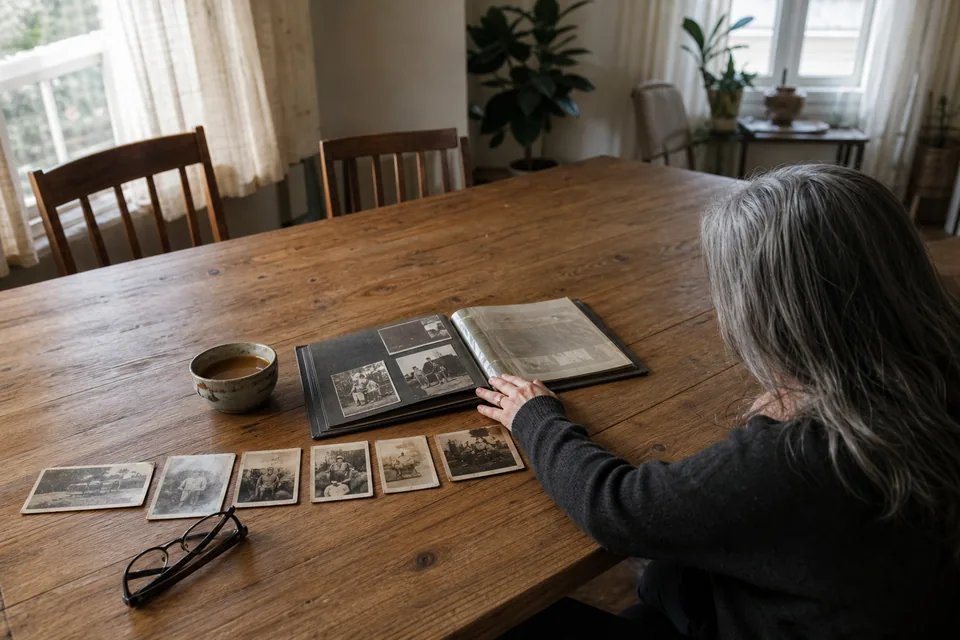
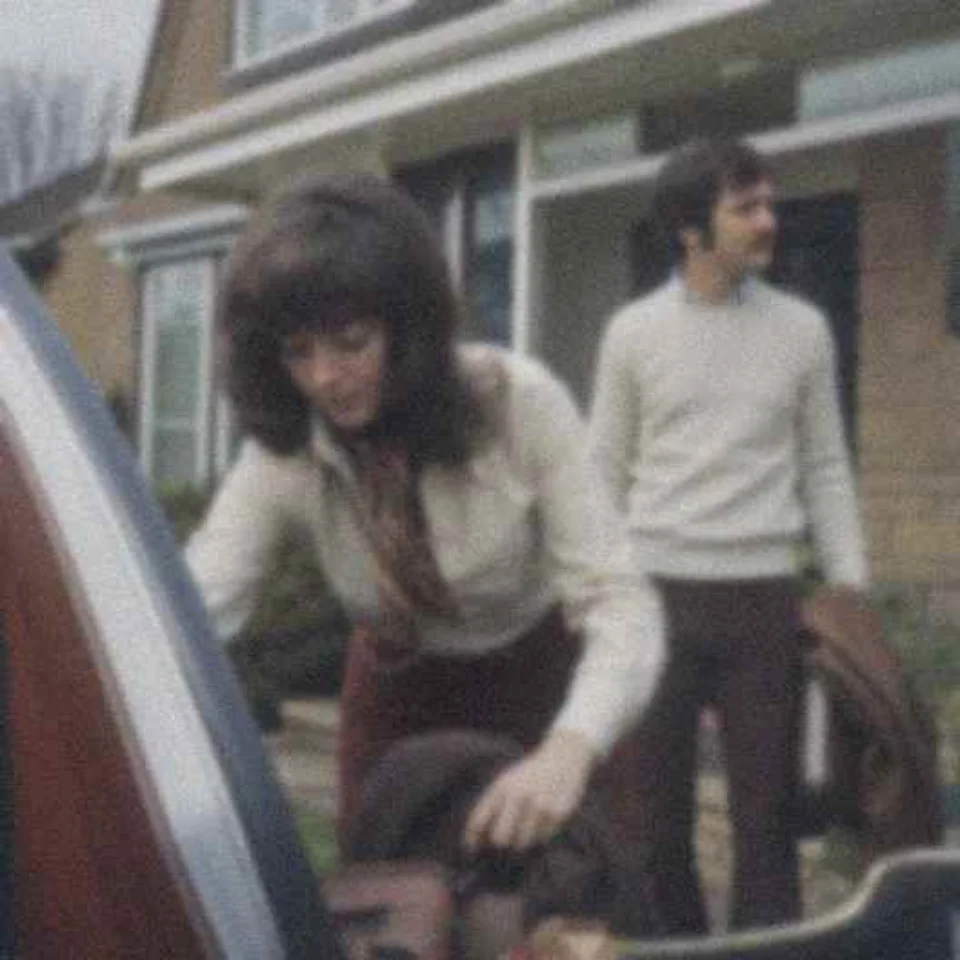
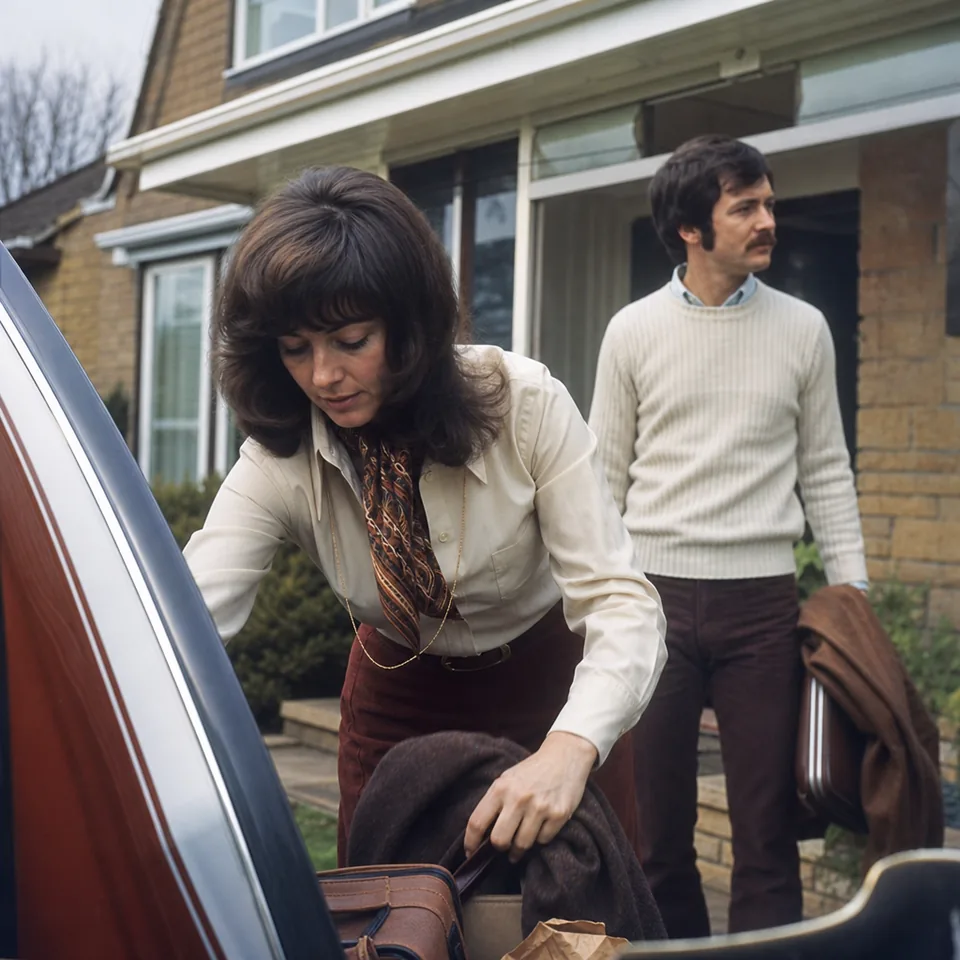
Every old print ages in its own way, and AI photo restoration works best when it knows what it is dealing with. These are the problems family photos bring to us most, and each one has a different fix inside the restoration.
Deep tears, missing corners and large stains are partly improved, but a piece of a photo that is gone cannot be fully recreated. We prefer to tell you that here rather than surprise you later.
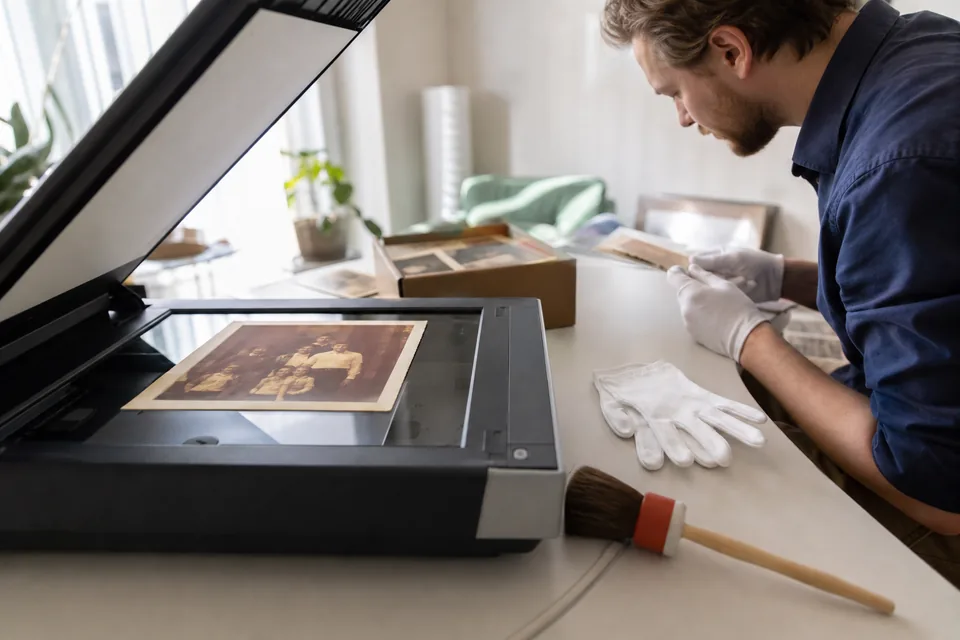
Good picture restoration starts with a good scan, and you do not need special gear. A flatbed scanner at 600 dpi gives the model plenty to work with for standard prints, and 1,200 dpi helps with wallet sizes. Take the photo out of its frame and sleeve, wipe the scanner glass, and save as PNG or high quality JPG.
No scanner? A phone works. Lay the print flat near a window in daylight, turn off the flash, hold the phone parallel to the photo so it is not skewed, and tap to focus on a face. Take two or three shots and keep the sharpest. Glare is the main enemy, so tilt the print slightly if you see a bright spot.
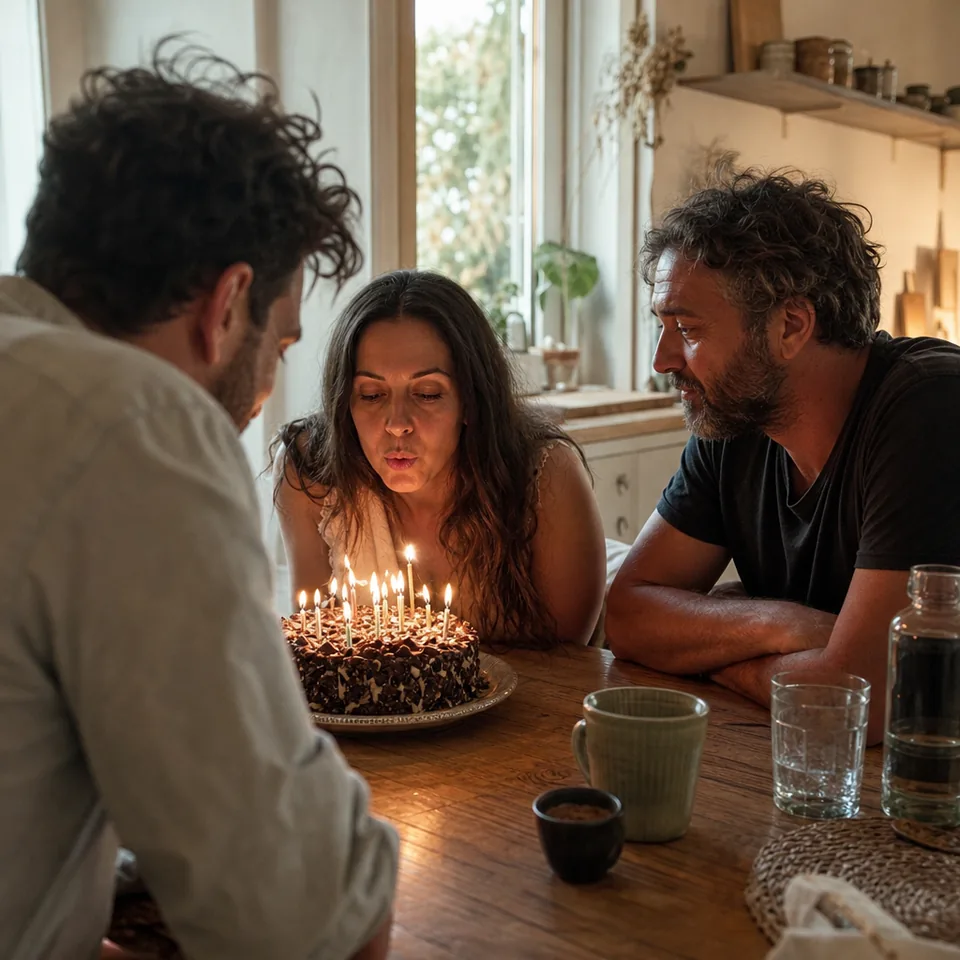
In the preview, choose Old print before you press the button. This tells the restoration to expect paper grain, faded dyes and the soft focus of older lenses, so it lifts contrast gently and keeps the grain looking like paper instead of digital noise. Start on Balanced strength. Very faded or tiny prints often look best on Strong, while a print that is only slightly soft looks most natural on Gentle.
Faces in family photos are restored with care. The model sharpens eyes and hairlines from what the scan shows and does not reshape features or smooth away wrinkles. Your relatives should look like themselves, just clearer.
Prints look crisp at about 300 pixels per inch. Personal plan results go up to 4,000 px on the long edge with a 2x upscale, which covers 4x6, 5x7, 8x10 and up to roughly 11x14 for a framed print. Pro goes to 8,000 px with a 4x upscale and TIFF export, which handles canvas prints, posters and photo books printed at large sizes.
| Print size | Long edge needed at 300 ppi | Plan that covers it |
|---|---|---|
| 4x6 inches | 1,800 px | Personal |
| 8x10 inches | 3,000 px | Personal |
| 11x14 inches | 4,200 px | Personal at about 285 ppi, Pro at full 300 |
| 16x20 inches | 6,000 px | Pro |
| 20x30 inches | 9,000 px | Pro at about 265 ppi |
For a deeper look at numbers, read our guide on how to increase resolution of image files before printing.
Restored photos tend to be made for a moment. A framed portrait for a parent's anniversary. A memorial board where every face needs to be recognizable from across a room. A reunion slideshow built from a shoebox of prints that three branches of the family each kept half of. A photo book for a new grandchild that starts four generations back.
For bigger projects, plan the volume. Personal covers 40 restored photos a month, enough for a framed set or a small album. A shoebox or a reunion project fits Pro, with 120 photos a month, batches of 20 and a ZIP download, so you can restore a whole envelope in one go. A family genealogist working with relatives can share one Studio account across three seats.
AI photo restoration rebuilds detail from the information still in the scan. A face that is only a few pixels wide in a group photo becomes cleaner, but it cannot gain features the camera never recorded. Torn areas improve, but missing parts are not invented. The aim is a truthful, clearer version of your photo, not a new picture that only resembles it. If you want to understand why, our page on how AI unblurs a photo explains the steps.
The free preview lets you try one photo per device at 640 px with a watermark. Full-resolution restoration comes with a plan, and yearly billing saves 50 percent.
$9/month billed yearly ($108/yr) or $19 monthly, 40 photos a month, up to 4,000 px
$24/month billed yearly ($288/yr) or $49 monthly, 120 photos a month, batches of 20, 4x upscale, TIFF for print
$74/month billed yearly ($888/yr) or $149 monthly, 360 photos a month, 3 team seats
See all details on the pricing page.
You need a digital copy. A flatbed scan at 600 dpi is ideal, but a careful phone photo of the print in daylight without flash also works well.
Yes, that is the goal. Faces are sharpened from what the scan shows, without changing features, smoothing age or swapping in a generic face.
It improves scratches, dust, fading and mild damage. Large tears and missing areas get cleaner, but parts of the picture that are gone cannot be fully recreated.
Yes. Personal results reach 4,000 px, enough for a sharp 8x10 and most framed prints, and Pro reaches 8,000 px with TIFF export for canvases and posters.
Scan one print tonight and see it restored in the preview. Prefer to compare options first? Read our guide to photo restoration software.