Real Estate Photo Editor for Crisp Listing Photos
Listing photos are viewed on big monitors and high-density phones, where a soft interior shot looks tired before a buyer reads the price. UnblurPicture sharpens and upscales your listing photos in batches, and it keeps every room exactly as it is.
Where soft listing photos come from
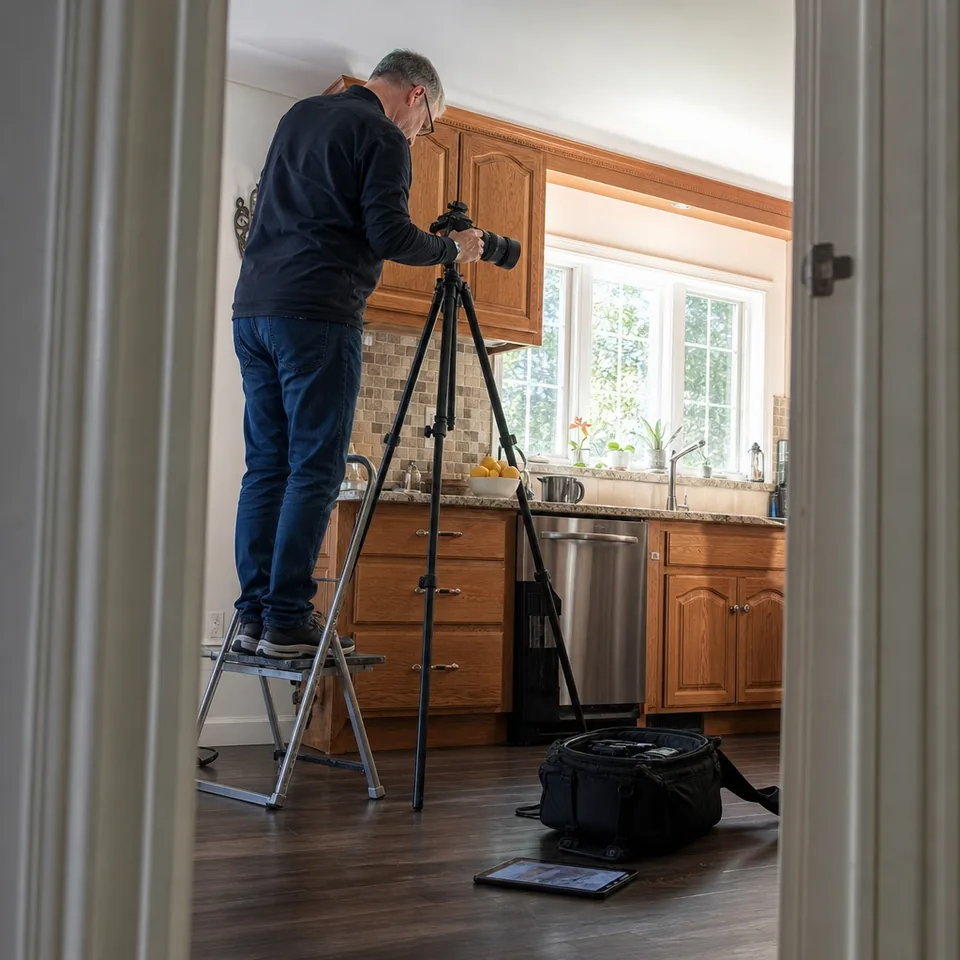
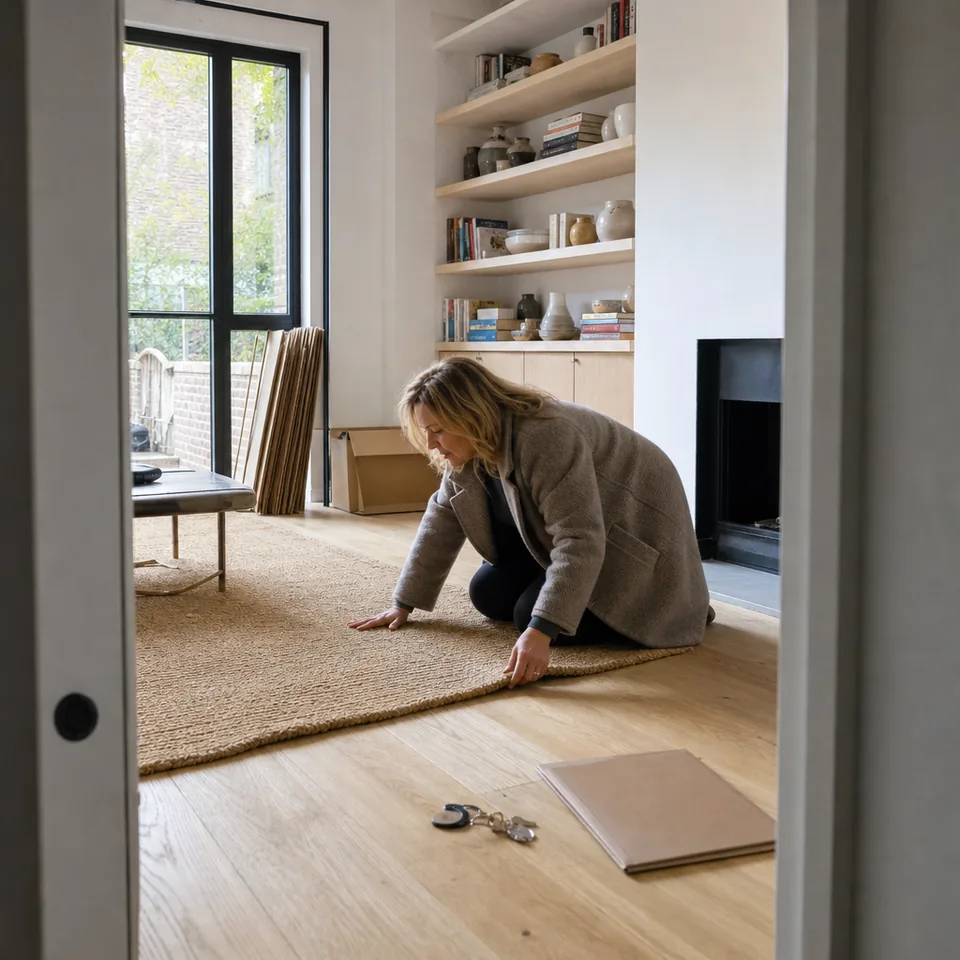
Interiors are hard to shoot. Light is low, rooms are deep, and a handheld exposure long enough to brighten a hallway is long enough to pick up a little shake. Agents often add phone photos taken at a quick walk-through, and older listings come back to market with images that were exported small years ago. On a listing portal all of these share one problem: on a large screen the edges of cabinets, window frames and tiles turn soft, and the room feels less inviting than it is in person.
A reshoot means another visit, another booking and another day before the listing goes live. For most soft photos, sharpening and resolution are the only things that need fixing, and that is the work UnblurPicture does.

A photo editor for real estate that sharpens, not stages
Our AI estimates the blur in each frame and rebuilds detail from what the camera recorded: straight lines of door frames, grain in wood floors, grout lines, fabric on sofas, the view through a window. Then it upscales the image so it holds up on wide listing galleries and in print brochures.
- Real estate interior preset tuned for straight lines and low-light rooms
- 2x or 4x upscale, up to 8,000 px on the long edge on Pro
- Batch of 20 photos on Pro, 100 on Studio
- JPG, PNG and TIFF export for portals and print
- Commercial license for listings and client delivery
What our real estate photo editor will not change
A listing photo has to show the property as it is. UnblurPicture sharpens and adds resolution, and that is all. It does not move furniture, add virtual staging, replace skies, change wall colors, remove cracks, hide water stains or erase anything from the room. If a defect is visible in your original, it stays visible in the result, just sharper. This keeps your marketing accurate and keeps you in line with the disclosure rules of your market and your listing service.
AI also has limits on how much it can recover. A slightly soft frame comes back crisp, while a photo with heavy shake across the whole room may only improve partly, because detail that was never captured cannot be rebuilt. For those frames, a quick reshoot is the better route.
From a shoot folder to a ready gallery


Pick the photos from a shoot that came out soft, drop up to 20 of them into a Pro batch, choose the Real estate interior preset and a strength level, and start. Check any room with the before and after slider and zoom loupe, then download the whole set as one ZIP, ready for the listing portal.
- 1
Upload a batch from a shoot or an agent's phone
- 2
Choose Real estate interior and Gentle, Balanced or Strong
- 3
Review each room with the slider and loupe
- 4
Download one ZIP and publish the gallery
Photographers who deliver several shoots a day can move to Studio for batches of 100, folder upload and a priority queue. See the bulk image upscaler page for how larger batches work.
For photographers, agents and brokerages
A solo photographer usually starts on Pro: 120 photos a month, a commercial license for client work and one monthly invoice with business details. A brokerage or a small media team that shares the work fits Studio, with 3 seats, a shared library, roles for the owner and members, SSO through Google Workspace or Microsoft, and an audit log of who processed what.
Teams that publish listings from their own software can send new photos through the image upscaling API and get a webhook when each batch is done. Online sellers with the same need for crisp images can read about ecommerce photo editing.
Rescue the phone photos from a quick walk-through
Agents often have a few phone shots of a garden, a basement or a detail the photographer skipped. These photos tend to be soft and small. The Phone photo preset sharpens them and the upscaler brings them closer to the size of the rest of the gallery, so the set looks consistent. If you shoot listings on an iPhone, our page on blurry photos on iPhone explains the most common causes and how to avoid them on the next visit.
Plans for listing photography
Prices below are billed yearly, which saves 50 percent. Monthly billing is also available.
| Plan | Price | Photos per month | Batch | License |
|---|---|---|---|---|
| Personal | $9/month billed yearly ($108/yr) or $19 monthly | 40 | One photo at a time | Personal |
| Pro | $24/month billed yearly ($288/yr) or $49 monthly | 120 | 20 photos, ZIP | Commercial |
| Studio | $74/month billed yearly ($888/yr) or $149 monthly | 360 | 100 photos, folder upload | Commercial, 3 seats |
Listing work needs a commercial license, which starts on Pro. All plans renew automatically and can be canceled anytime, with the plan running to the end of the paid period. Full details on the pricing page.
Real estate photo editor questions
Does UnblurPicture do virtual staging or sky replacement?
No. It sharpens and upscales listing photos and leaves the room exactly as it is. Staging, sky replacement and object removal are outside what it does.
Can it make a dark interior brighter?
The Real estate interior preset adds clarity and mild local contrast, which makes rooms read better. It is not a full exposure or HDR edit, so heavily underexposed shots still need your usual editing.
Can I deliver the results to my clients?
Yes. Pro and Studio include a commercial license that covers listing photos and client delivery.
How many people on my team can use one account?
Studio includes 3 team seats with a shared library and owner and member roles. Personal and Pro are for one user.
Make every room look as sharp as it does in person
Upload your soft listing photos, pick the Real estate interior preset and publish a crisp gallery.