Personal
$9 a month billed yearly ($108 a year) or $19 monthly. 40 photos a month, up to 4,000 px, 2x upscale, JPG and PNG, no watermark, personal license.
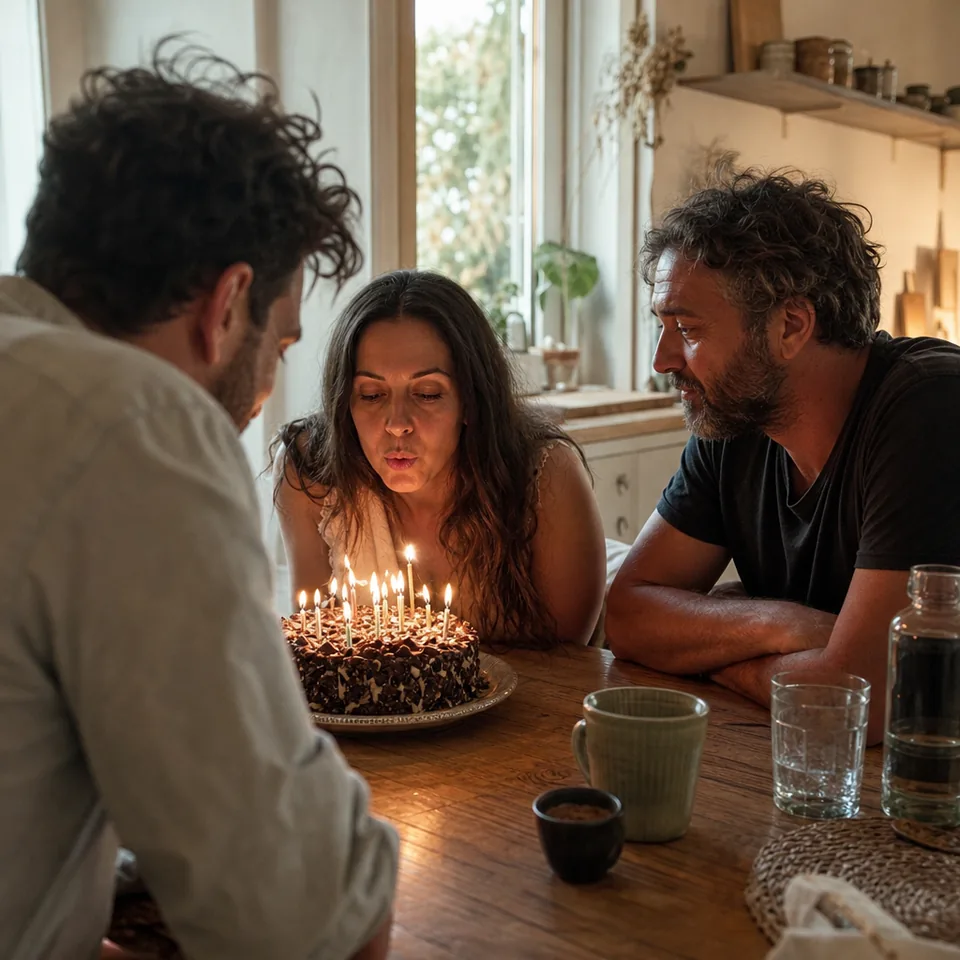
Most photos have more than one problem. A birthday shot is a little blurry, a little dark and a little grainy. An old print is soft, faded and scratched. UnblurPicture is a photo enhancer that looks at the whole picture and fixes those problems together, in the right order, so you do not have to run five separate tools and hope they agree with each other.
One upload goes through every step that your photo needs. Steps that would not help are skipped, so a clean photo is not over-processed.
If you upscale first, you also enlarge the blur and the noise. If you sharpen before removing noise, you sharpen the grain. If you fix color last, the face restore may have worked from the wrong skin tones. A good photo enhancer runs the steps in a sequence where each one makes the next easier.
Ours goes like this: read the photo, estimate blur and noise, clean noise, reverse blur, rebuild detail and faces, balance color and tone, upscale, and finish with a light sharpening touch. You see the whole result at once on a before and after slider. The technical side is described in plain words on how AI unblurs a photo.
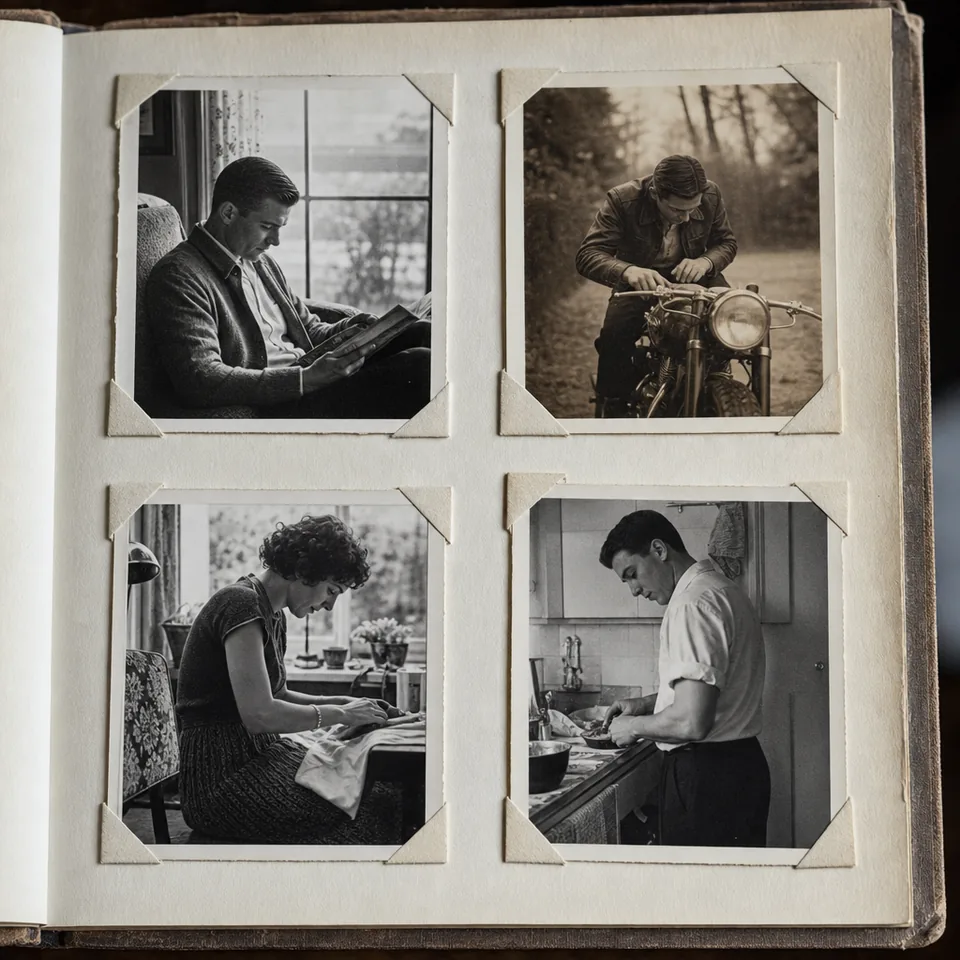
Different photos fail in different ways, so the enhancer starts from a preset that matches yours. Personal includes the core settings, and Pro and Studio add the full preset set for repeat work.
Each preset has a strength choice of Gentle, Balanced or Strong, so you stay in control of how far the photo goes.
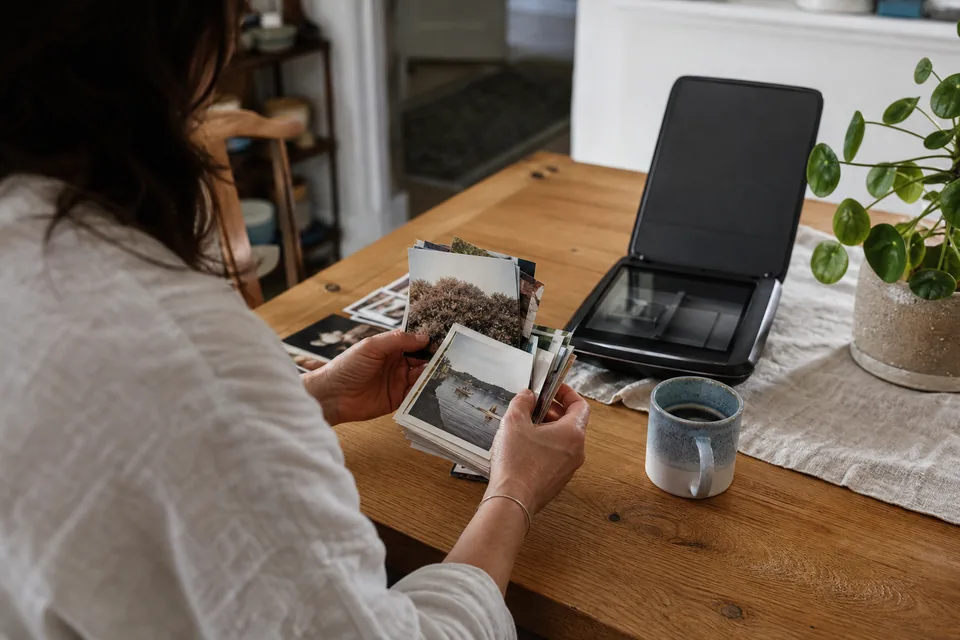
Families use it for the shoebox of prints, the blurry phone shots of children and pets, and the one good frame from a wedding video. Online sellers use it to make product photos sharp and large enough for marketplace rules. Real estate photographers use it on soft interior shots and on photos the agent took with a phone. Agencies run whole folders through it with batch upload or the API on Studio.
If your goal is mostly size, start with the image upscaler. If the photo is mostly soft, unblur photo explains that case in detail.
The enhancer rebuilds detail from what the photo contains. It cannot recover something the camera never captured, such as the text on a sign that is a gray smudge, or a face that is a few pixels wide. Very heavy blur may not be fully recoverable.
Faces are restored, not replaced. We do not slim, smooth or reshape anyone, and we do not paste in features from other people. The tool is meant for your own photos. It is not for identifying people from security cameras, reading license plates or uncovering blurred text, and the output is an enhanced photo, not evidence.
Try one photo first with the free preview: 640 px, a watermark burned into the image, processed in your browser so the photo is not uploaded. When you are happy, a plan unlocks full resolution. Yearly billing is shown first and saves 50 percent.
$9 a month billed yearly ($108 a year) or $19 monthly. 40 photos a month, up to 4,000 px, 2x upscale, JPG and PNG, no watermark, personal license.
$24 a month billed yearly ($288 a year) or $49 monthly. 120 photos a month, all five presets, batches of 20 with ZIP download, 4x upscale up to 8,000 px, TIFF, commercial license.
$74 a month billed yearly ($888 a year) or $149 monthly. 360 photos a month, batches of 100 and folder upload, REST API, 3 team seats, priority queue.
Full details on pricing. You can cancel anytime and the plan runs to the end of the paid period.
It removes blur and noise, rebuilds fine detail, restores faces carefully, balances color and contrast, and enlarges the result. Each step runs only if your photo needs it.
Yes. Faces are sharpened and cleaned, not reshaped. The enhancer does not change features, skin tone or expression, and you can compare every result on the before and after slider.
Personal includes a personal license. Pro and Studio include a commercial license for product listings, real estate listings and client work.
No. UnblurPicture runs in any modern browser on a phone, tablet or computer, and the free preview works right on the page.
Upload the photo you care about most and see every fix together in a few seconds.