Your Preview Is Ready
Drag the slider to compare your photo before and after. This preview was made in your browser, and your photo was not uploaded to create it.
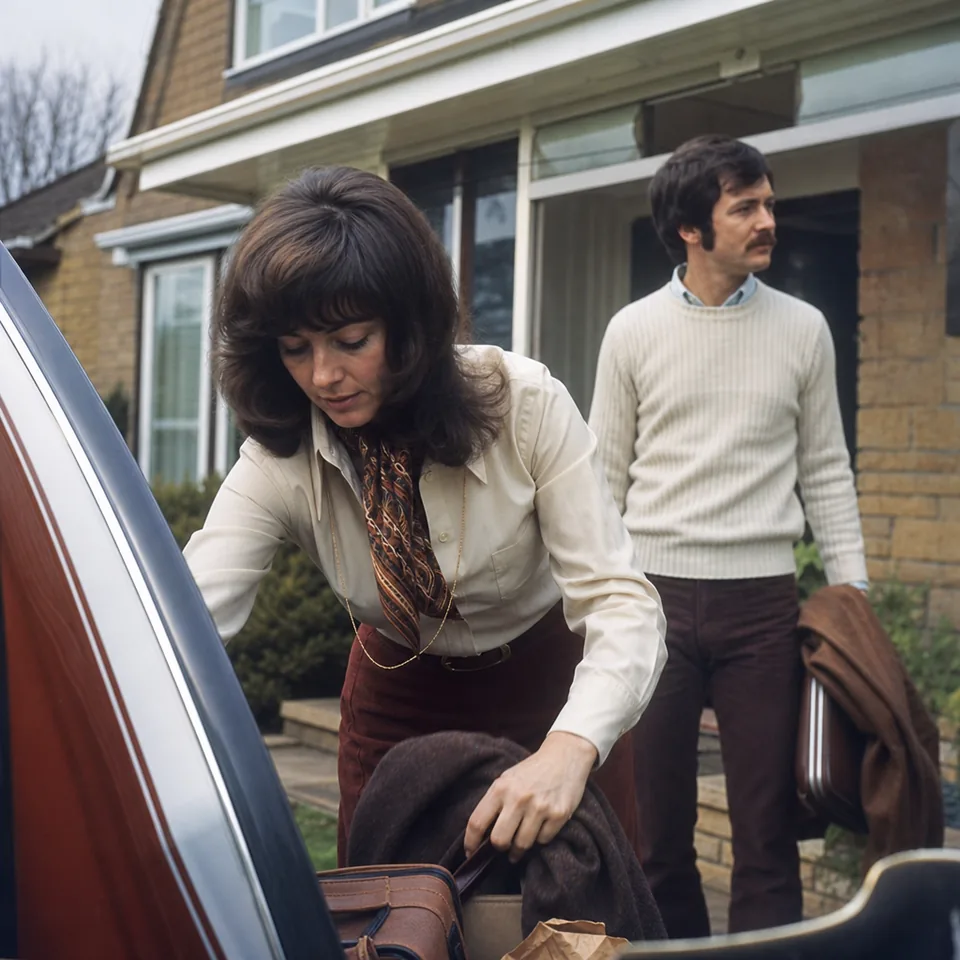
Drag the slider to compare
Hover or tap anywhere on the photo to zoom in with the loupe
Preview at 640 px with watermark
What the full version adds to your photo
The preview shows the direction of the fix. The full version goes much further.
- Full AI restoration of edges, hair, skin and fabric texture, not only browser sharpening
- Output up to 4,000 px on Personal and up to 8,000 px on Pro and Studio
- 2x upscale on Personal and 4x upscale on Pro and Studio
- Clean files with no watermark, in JPG and PNG, plus TIFF on Pro and Studio
- Careful face restoration that keeps each person's real features
- Your processed photos saved in your history for 30 days
- Batches of 20 photos on Pro and 100 photos on Studio
Tips for better results
Start from the original file
Use the photo straight from your camera roll or the original scan instead of a screenshot or a copy sent through a messaging app, which loses detail.
Pick the right preset
Old print, Phone photo, Product photo, Real estate interior and Video still each use different settings, so the closest match gives the most natural result.
Scan prints at 600 dpi
For old prints, a flatbed scan at 600 dpi keeps far more detail than a phone photo of the print, and it avoids glare from the glossy surface.
Choose a gentler strength for faces
Balanced or Gentle keeps skin and expressions natural on portraits, while Strong works well for text-free objects, products and interiors.
Expect partial results on extreme blur
When almost no detail was captured, the photo improves but cannot become perfectly sharp, because nothing can rebuild information that the camera never recorded.
Learn more about how AI unblurs a photo, see what picture restoration does for family prints, or compare plans on the image enhancement software page.