Personal
$9 a month billed yearly ($108 a year) or $19 monthly. 40 images a month at up to 4,000 px, JPG and PNG, no watermark.
Not every bad image started as a bad photo. Many were fine once and then lost quality on the way: saved as a small JPEG, sent through a messaging app, screenshotted from a feed, scaled down for a website and back up again. UnblurPicture is an image enhancer that undoes that damage. It removes compression blocks, cleans noise, corrects color and rebuilds lost detail, so the image looks the way it should have looked in the first place.
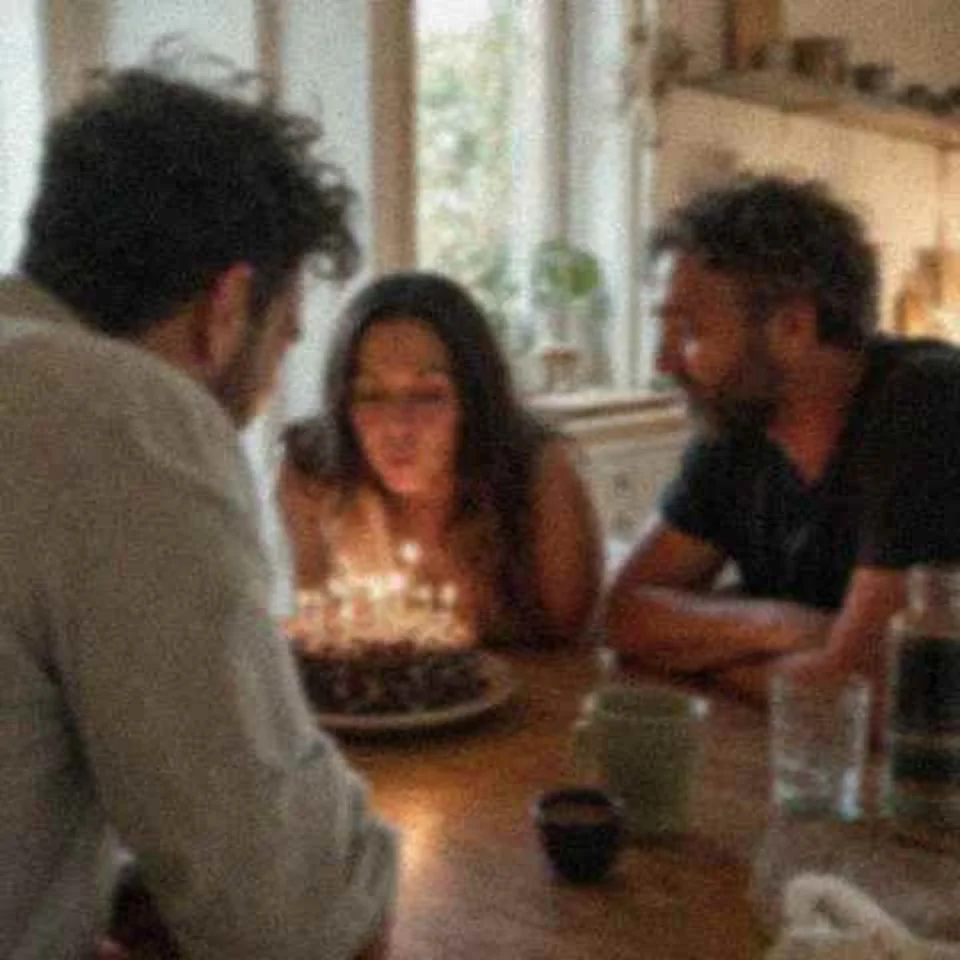
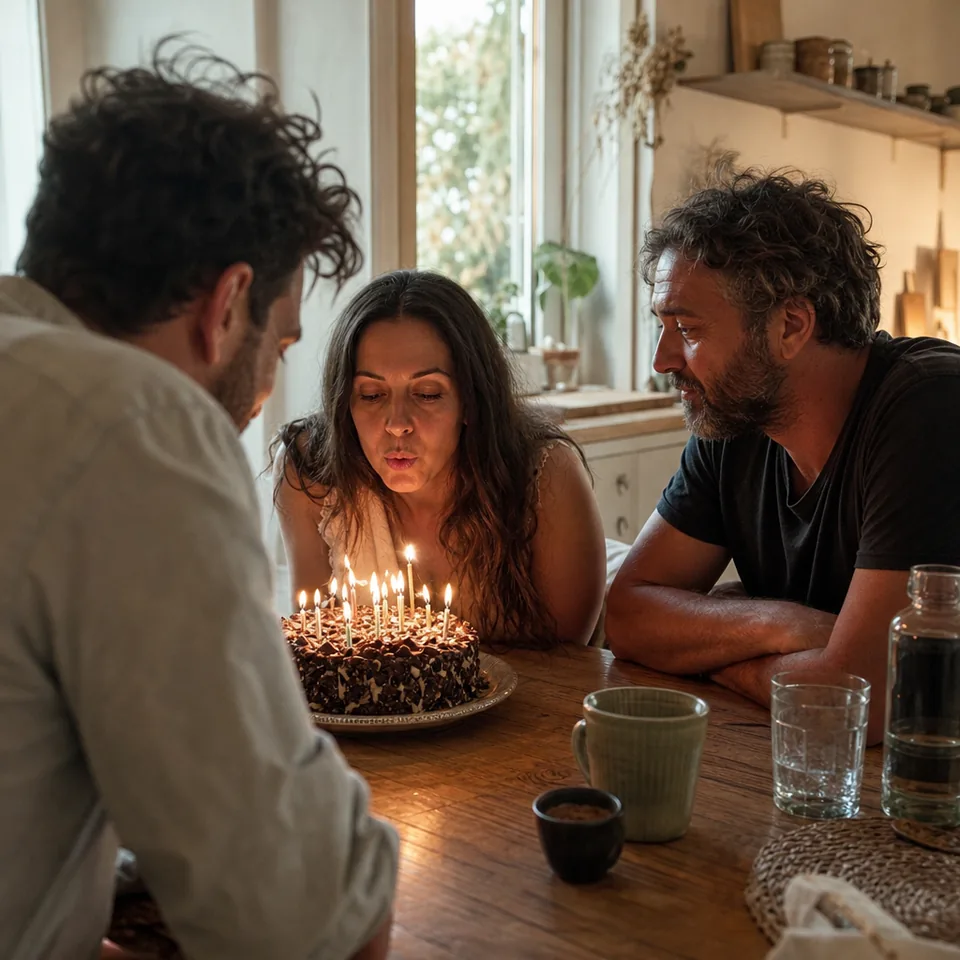
An image can lose quality in a few distinct ways, and each leaves its own marks. Knowing which one you are looking at tells you what the image quality enhancer has to fix.
A simple blur filter hides compression blocks by softening the whole image, which trades one problem for another. Our enhancer recognizes the block pattern and the ringing that compression creates and removes those specific marks. Real edges, the line of a jaw or the edge of a product box, are kept and then sharpened, while the blocky patches in flat areas are rebuilt as smooth gradients.
This makes the biggest difference on images that came from the web or from a messaging app, where the original file is long gone and the compressed copy is all you have.
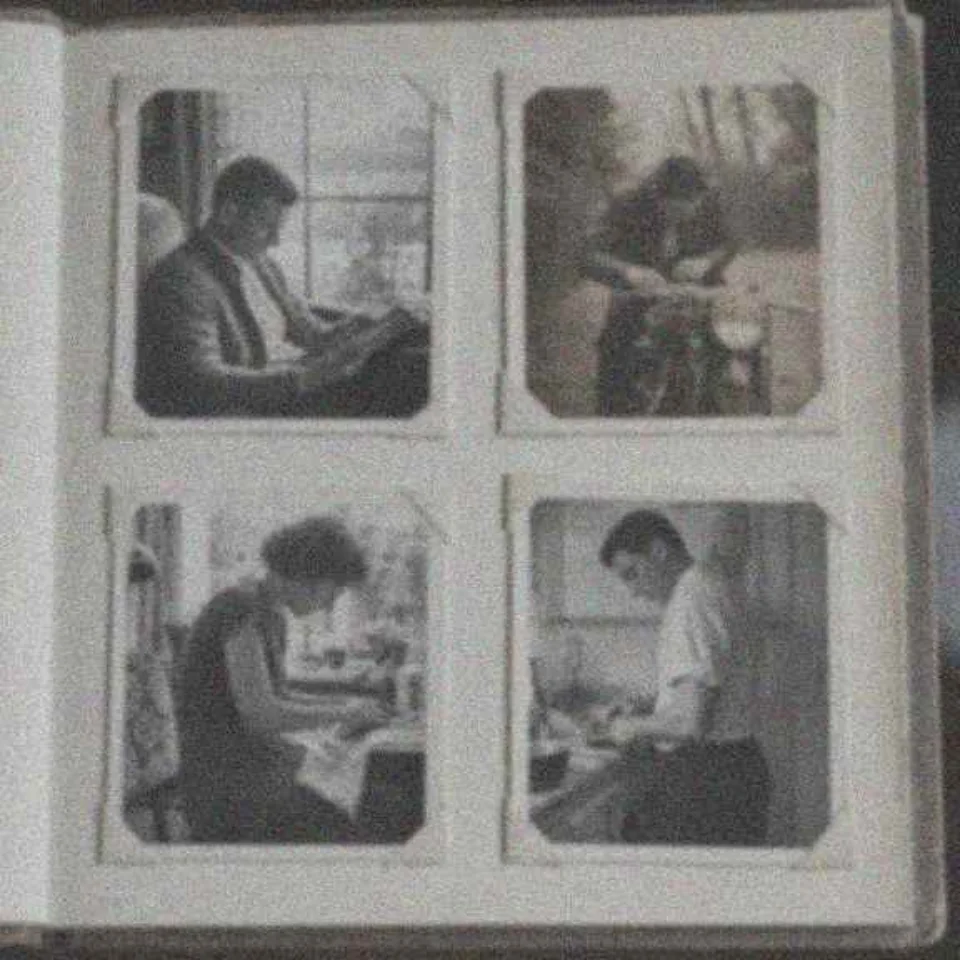
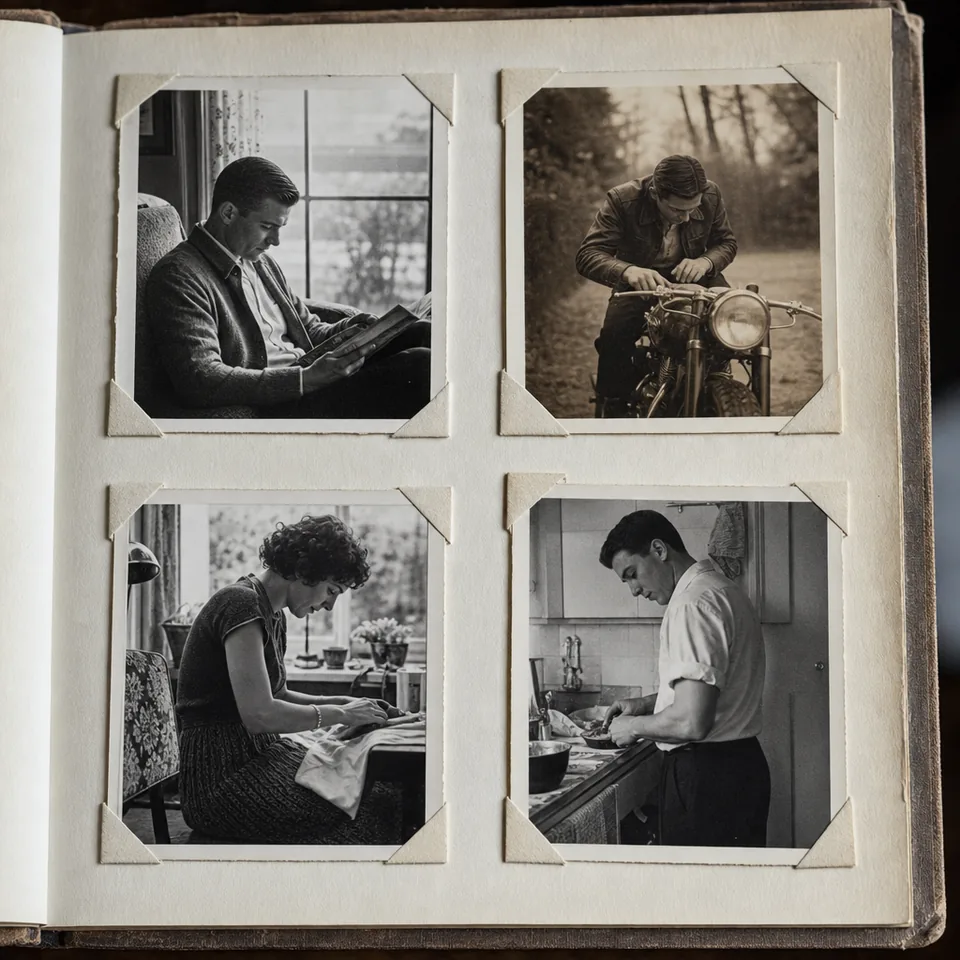
After artifacts are cleaned, the image enhancer balances color. It neutralizes a cast without bleaching skin tones, lifts flat contrast and recovers some of the punch that repeated compression takes away. Noise is cleaned in the same pass with a method that tells grain apart from texture, so a sweater still looks knitted and a lawn still looks like grass.
You choose how far it goes with Gentle, Balanced or Strong, and the before and after slider lets you check that colors still feel true to the moment. For a feature-by-feature tour of everything that runs, see the photo enhancer page.
People often only have a screenshot of a photo: a picture someone posted and later deleted, a frame from a video call, an image saved from a listing. The enhancer handles these well because the damage is predictable. Crop out the interface first, upload the part you want, and pick the Phone photo or Video still preset.
For images that will go back on the web, such as a product image or a blog header, the enhancer is a simple way to bring a small, tired file up to a clean, larger version. If you need many of them done at once, Pro handles batches of 20 and Studio handles batches of 100 with folder upload, explained on the bulk image upscaler page.
Use images you have the right to edit. Personal covers your own photos, and Pro and Studio add a commercial license for listings and client work.
If compression or resizing destroyed a detail completely, the enhancer rebuilds a plausible texture that fits the image, and it cannot recover the exact original. Very small or very damaged images improve, and they still have limits. Faces are restored carefully, never reshaped.
This is a tool for photos and graphics, not for investigations. It does not read license plates, identify people, enhance security camera footage or uncover blurred or pixelated text. The output is an enhanced image, not evidence.
The free preview gives you one image per device at 640 px with a watermark, and it is processed in your browser, so the image is not uploaded to see the preview. For full resolution, choose a plan. Yearly billing saves 50 percent.
$9 a month billed yearly ($108 a year) or $19 monthly. 40 images a month at up to 4,000 px, JPG and PNG, no watermark.
$24 a month billed yearly ($288 a year) or $49 monthly. 120 images a month, batches of 20, 4x upscale up to 8,000 px, TIFF, commercial license.
$74 a month billed yearly ($888 a year) or $149 monthly. 360 images a month, batches of 100, REST API with webhooks, 3 team seats.
See pricing for all limits. If your main aim is a larger file, the image upscaler covers 2x and 4x in detail.
Yes, in most cases it removes block patterns and ringing and rebuilds smooth areas. Detail that compression erased completely is replaced with fitting texture, not the exact original.
It does. Crop away the app interface before uploading, then choose the Phone photo or Video still preset for the best result.
Only casts and flat contrast are corrected. You pick the strength, and the before and after slider shows exactly what changed before you download.
You can upload JPG, PNG, HEIC and WebP. Downloads are JPG or PNG on every plan, plus TIFF on Pro and Studio.
Upload the image, choose a preset and compare before and after in a few seconds.