Personal
$9/month billed yearly ($108/yr) or $19 monthly, 40 photos a month, up to 4,000 px
An iPhone camera is excellent, which makes it even more frustrating when a photo opens fuzzy. The cause is almost never a broken camera. It is usually one of a handful of small things, from a fingerprint on the lens to Night mode holding the shutter open while your kid keeps moving. Here is why it happens, how to stop it next time, and how to fix the photos you already have, right in Safari.
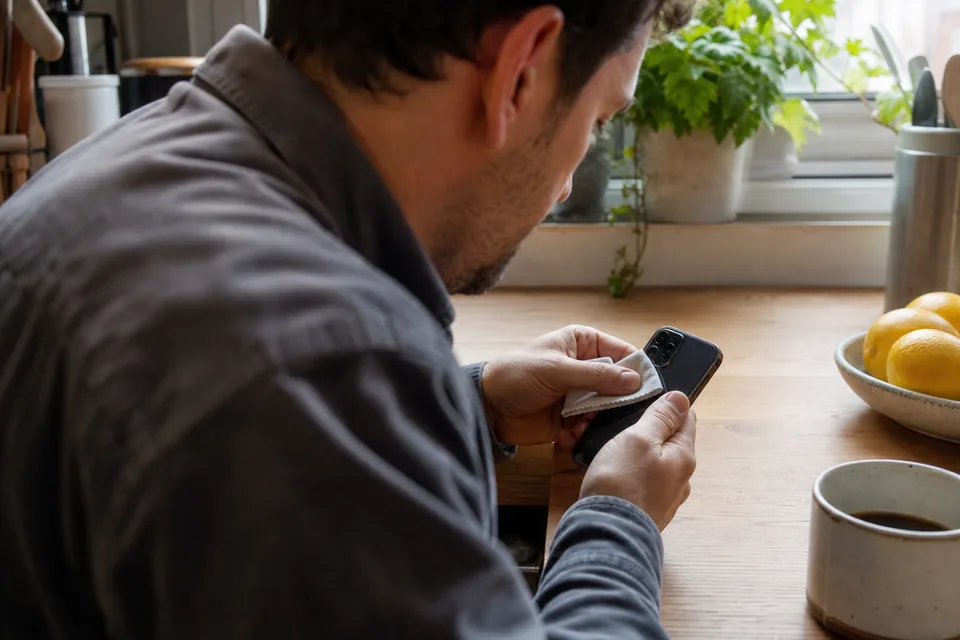
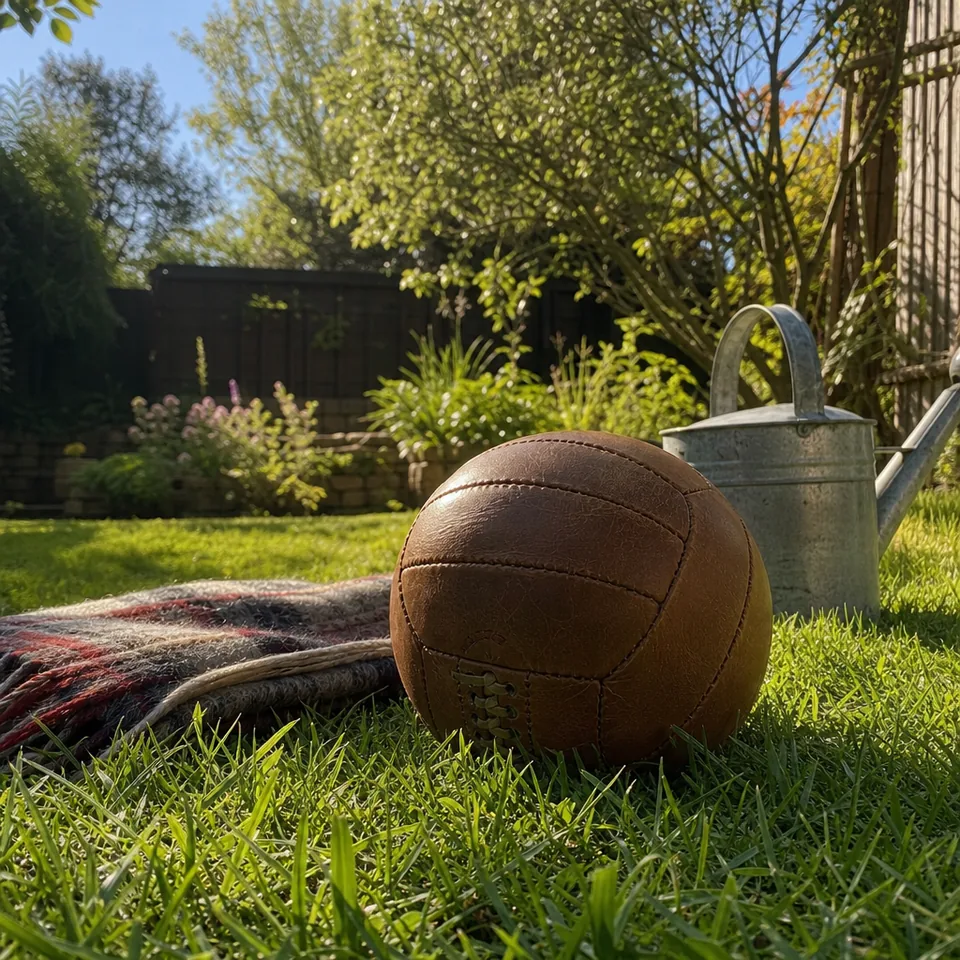

These are the usual suspects, roughly in the order worth checking.
A few habits remove most blur before it happens.
You do not need another app on your phone. Open unblurpicture.com in Safari or any browser on your iPhone, tap the drop zone and choose the photo from your library. HEIC files, the format iPhones save by default, are supported, along with JPG, PNG and WebP.
Pick Phone photo as the preset, start on Balanced strength, and tap Unblur my photo. You watch the steps run live, then compare before and after with a slider. The first preview, one photo per device, runs right in your browser and your photo is not uploaded to see it. To save the full-resolution result to your camera roll without a watermark, choose a plan, then tap the download and save the image.
Very long smears, for example a Night mode photo where the person walked across the frame, improve but may not become fully sharp. The AI rebuilds from detail the photo still holds, and it cannot invent what was never captured. Our page on how AI unblurs a photo explains why.
If a lot of your photos turn out soft, check a few settings. In Camera settings, keeping Formats on High Efficiency is fine for quality, since HEIC holds detail well. If you use iCloud Photos with Optimize iPhone Storage, full-resolution originals download from iCloud when you open them, so wait for a photo to finish loading before you judge it or upload it. A photo that looks blurry for a second and then snaps sharp was simply still loading.
Personal results reach 4,000 px on the long edge, which prints a sharp 8x10 and covers any social post. For a larger print or a photo book cover, Pro gives 4x upscale up to 8,000 px. If you are fixing a whole camera roll after a trip or a wedding, Pro also handles batches of 20 with a ZIP download. For the general workflow on any phone, read our guide to repair blurry photos, and for using UnblurPicture like an app on your home screen, see the app to unblur photos.
The free preview covers one photo per device. Full resolution comes with a monthly plan, and yearly billing saves 50 percent.
$9/month billed yearly ($108/yr) or $19 monthly, 40 photos a month, up to 4,000 px
$24/month billed yearly ($288/yr) or $49 monthly, 120 photos a month, batches of 20, 4x upscale
$74/month billed yearly ($888/yr) or $149 monthly, 360 photos a month, 3 team seats
Details are on the pricing page.
The most common reason is a smudged lens, followed by Night mode motion and the camera switching to macro close up. Wipe the lens first, then test a photo in good light.
Yes. Open unblurpicture.com in Safari, choose the photo from your library and run the preview. HEIC files are supported.
Many messaging apps shrink and recompress photos before sending. Ask for the original through an iCloud link or AirDrop, then fix that version.
It can be made much clearer. Live Photo frames come from the short video, so use the Video still or Phone photo preset and turn on the 2x upscale.
Open your camera roll, pick the photo you almost deleted, and see it sharp again.