Personal
$9 a month billed yearly ($108 a year) or $19 monthly. 40 full-resolution photos a month, output up to 4,000 px, JPG and PNG without watermark, 30-day history.
A sharpening slider makes edges darker and lighter, which looks crisp at first glance and fake up close. UnblurPicture takes a different route. It estimates how your photo got blurry, rebuilds the fine detail the blur smeared out, and only then adds gentle edge contrast. You get a picture that looks sharp at 100 percent zoom, not just on a phone thumbnail.
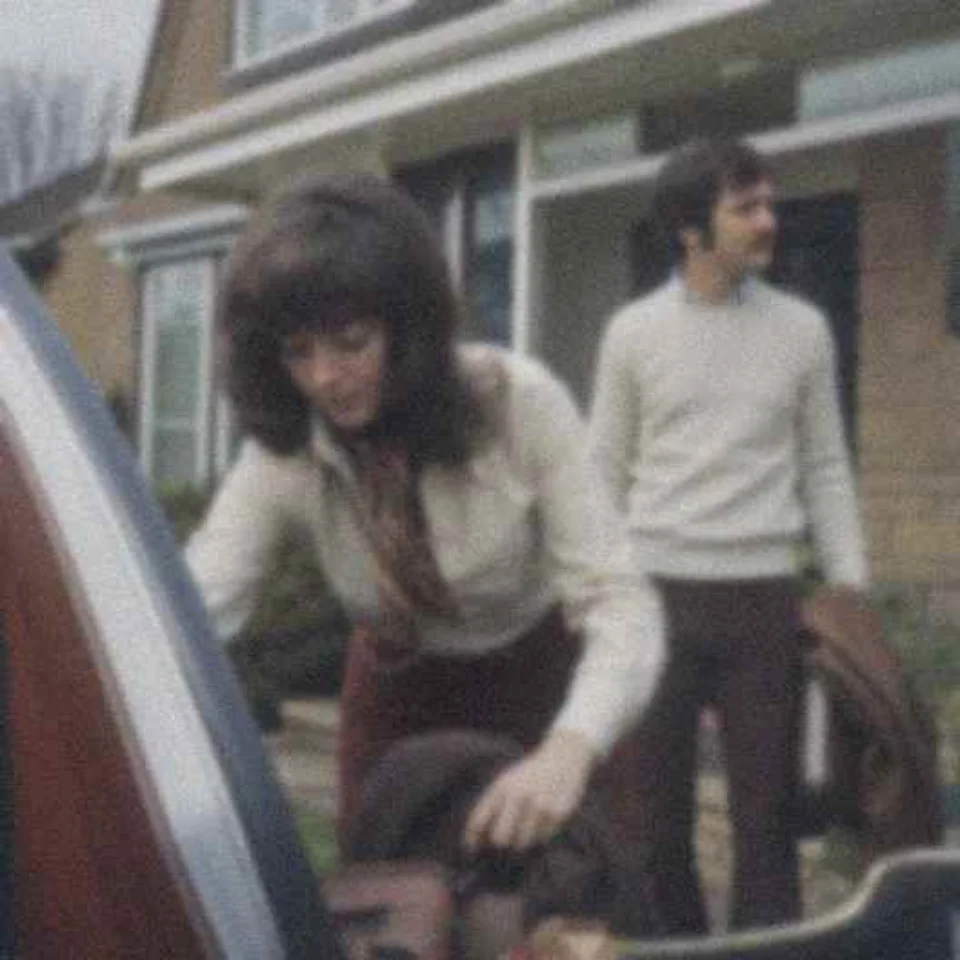
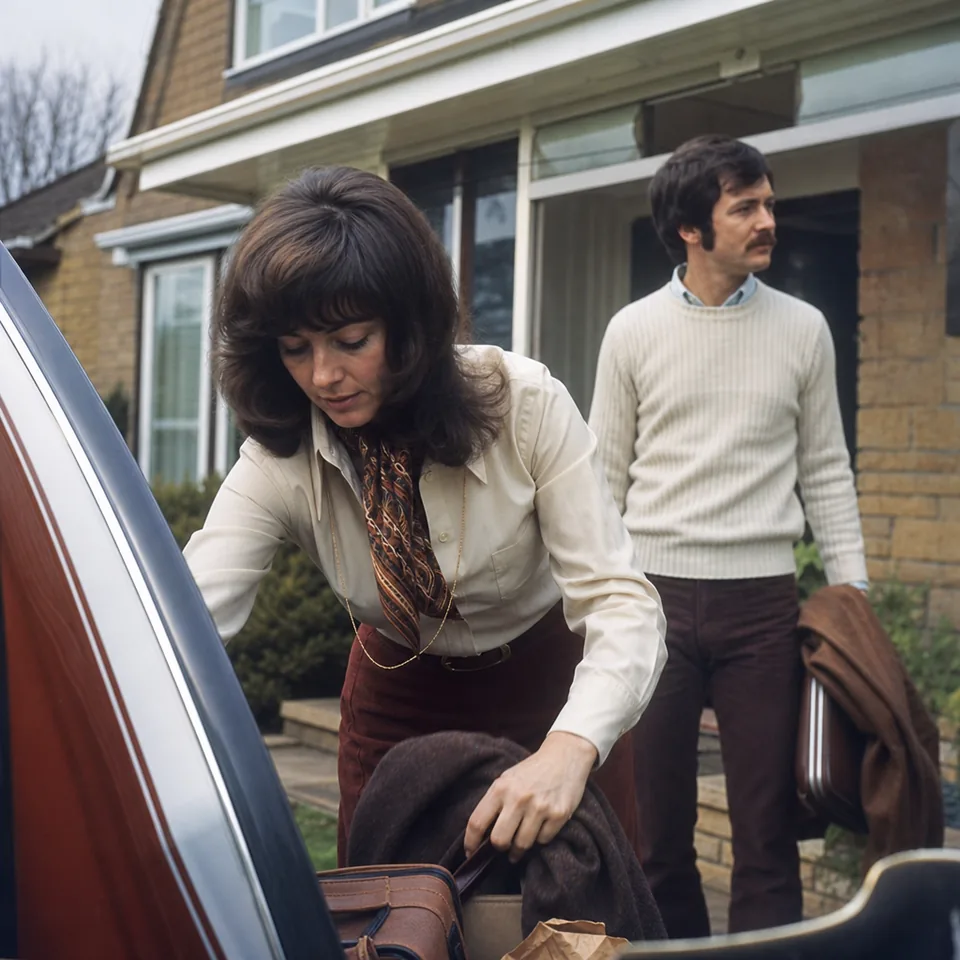
Classic sharpening, the kind you find in every photo editor, does not know why a picture is soft. It finds edges and increases the contrast along them. That helps a photo that is almost in focus, and it does nothing for detail that the blur spread across many pixels.
Deblurring works on the cause. Motion blur stretches every point of light into a short streak, and a missed focus spreads each point into a soft disc. If you can estimate the shape of that streak or disc, you can reverse much of it and pull the detail back together. This is where real clarity comes from.
UnblurPicture does both, in this order: it reverses the blur it can measure, rebuilds texture with a model trained on real photographs, and finishes with a light, noise-aware sharpening pass. The full pipeline is explained step by step on how AI unblurs a photo.
The unsharp mask is the standard sharpening tool in most editors. It blurs a copy of your photo, subtracts it from the original, and adds the difference back. The method is old, fast and predictable, and it has three side effects that show up the moment you push it.
Turning the radius down reduces halos and also reduces the effect. That is why a strongly blurred photo never looks right after sharpening alone: the tool is trying to fix a spreading problem with an edge tool.
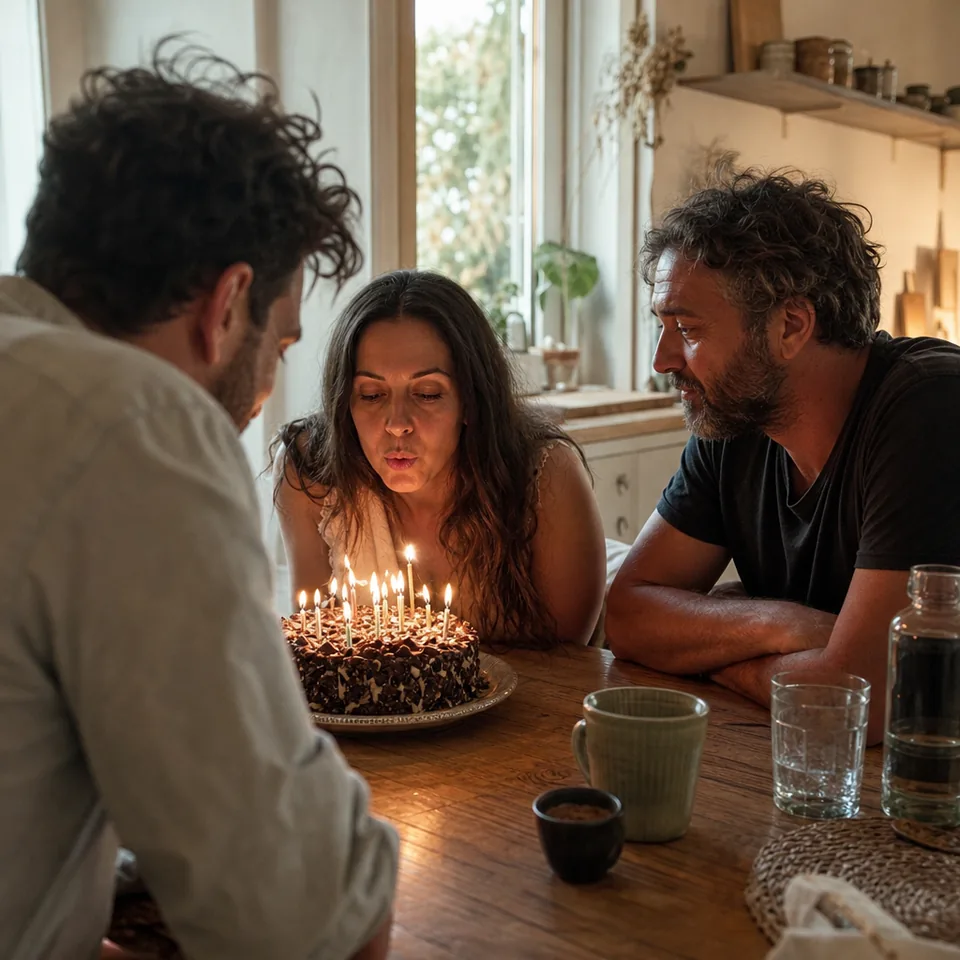
When you upload a photo, we first estimate the blur. A straight streak points to camera shake or a moving subject, a round soft spread points to missed focus, and an even softness across the frame often means the image was simply small and enlarged. Each case gets its own treatment.
Next, the detail is rebuilt. The model looks at what the photo contains (hair, brick, printed paper grain, leaves) and restores structure that matches it. It works from the pixels you gave it and does not paste in parts from other pictures.
Last comes a light sharpening pass that skips flat areas, so skies, walls and skin do not pick up grain. You can choose Gentle, Balanced or Strong, and the before and after slider shows the result side by side before you download.
Not every soft photo needs the full treatment. Sharpening alone works well when the photo is almost in focus and you only want a bit more snap for screen or print. Typical cases are:
In these cases the Gentle setting does the job, and you will not see halos. If you only need edge contrast on a perfectly focused image, any editor you already have is fine, and we say so openly.
Reach for deblurring when the subject itself is smeared: a child who moved, a shot taken from a moving car, a phone photo in dim light with a slow shutter, a frame grabbed from a video, or a portrait where the camera focused on the background. A slider cannot fix these. For a walkthrough of those cases, see repair blurry photos and unblur photo.
Detail that was never captured cannot be recovered. A face that is ten pixels wide or a photo that is pure streak will improve, and it will not become a studio portrait. Extreme blur may not be fully recoverable, and we would rather show you that in the preview than promise otherwise.
Faces are restored carefully: features are sharpened, not reshaped, and we do not swap in a different face. UnblurPicture is a photo tool for your own pictures. It is not for identifying people, reading license plates or sharpening blurred text, and the output is an enhanced photo, not evidence.
The free preview lets you try one photo per device at 640 px with a watermark, and it runs in your browser, so the photo is not uploaded to see the preview. Full-resolution sharpening needs a plan, and yearly billing saves 50 percent.
$9 a month billed yearly ($108 a year) or $19 monthly. 40 full-resolution photos a month, output up to 4,000 px, JPG and PNG without watermark, 30-day history.
$24 a month billed yearly ($288 a year) or $49 monthly. 120 photos a month, batches of 20, 4x upscale up to 8,000 px, TIFF export, commercial license and presets.
$74 a month billed yearly ($888 a year) or $149 monthly. 360 photos a month, batches of 100, REST API, 3 team seats.
Compare every limit on pricing. If the photo is sharp but too small, the image upscaler is the better page to start from.
No. Sharpening raises contrast along edges that already exist. Unblurring estimates how the detail was spread out by motion or focus and gathers it back. UnblurPicture unblurs first and sharpens lightly at the end.
The final sharpening pass skips flat areas such as skin, sky and walls, which keeps halos and grain down. If you pick Strong on a very noisy photo you may still see some texture, so compare the settings with the slider before downloading.
You can improve it a lot in many cases, and some photos are too far gone to look fully sharp. The free preview shows you what to expect on your own photo before you choose a plan.
The preview accepts JPG, PNG, HEIC and WebP up to 10 MB. With a plan you download JPG or PNG, and Pro and Studio add TIFF for print.
Drop a photo, choose how strong the effect should be and compare before and after in seconds.