Personal
$9/month billed yearly ($108/yr) or $19 monthly, 40 photos a month, up to 4,000 px
You searched for an app, and here is the good news: you already have it. UnblurPicture runs in the browser on your phone, tablet or computer, so there is nothing to download, nothing to update and no storage eaten on your phone. Open the page, pick a photo, and see it sharp. Add it to your home screen and it opens like any other app.

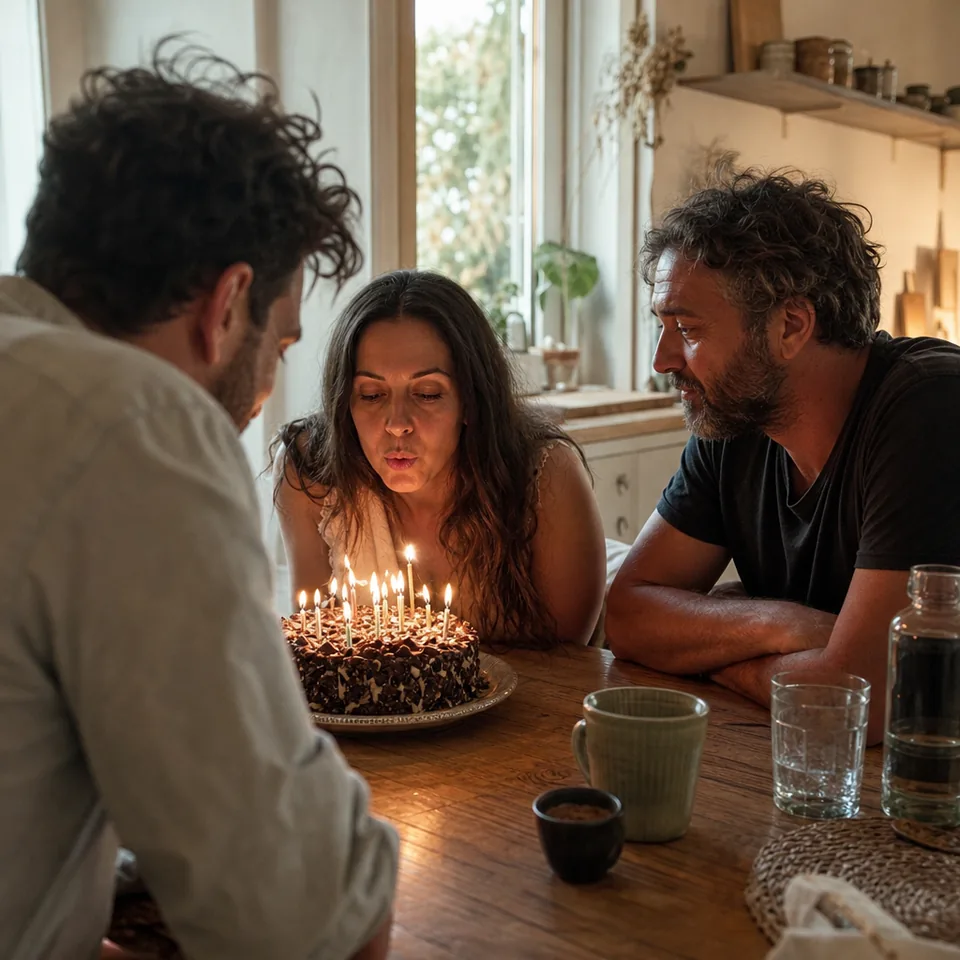
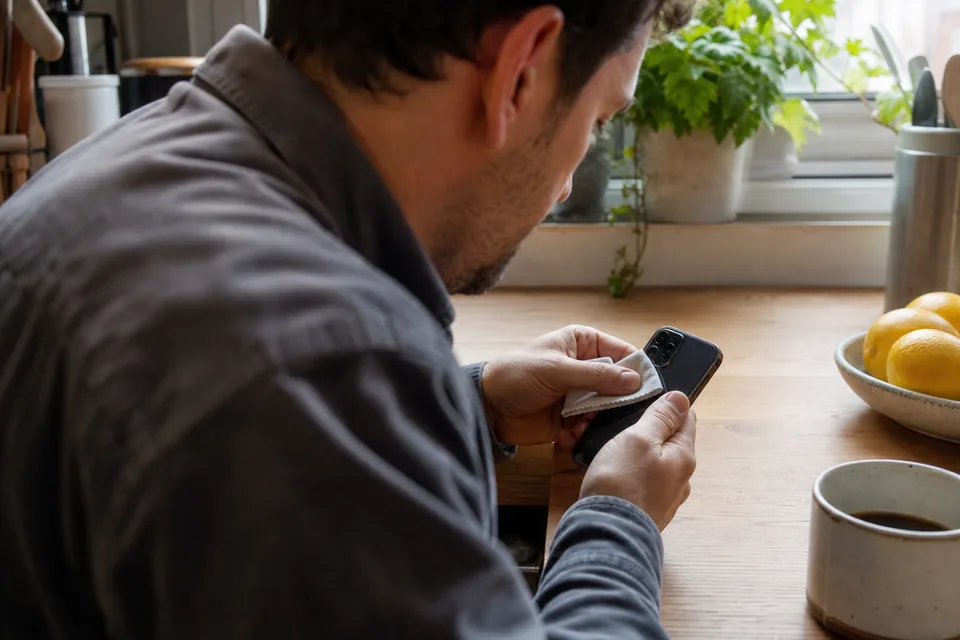
Store apps are fine for many things, but for fixing photos a browser app has real advantages. You skip the install and the permissions screen. Updates happen on our side, so you always use the latest version without tapping anything. The heavy AI work runs on our servers, so an older phone gives the same result as the newest one and your battery is not drained. And because it is the same website everywhere, the photos you fixed on your phone at a family dinner are waiting on your laptop when you get home.
On iPhone, open unblurpicture.com in Safari. On Android, open it in Chrome or your usual browser. Tap the drop zone and your phone offers your photo library, files or the camera. iPhone HEIC photos, JPG, PNG and WebP all work. Choose the kind of photo, pick a strength and tap Unblur my photo. The live progress steps and the before and after slider are built for thumbs, so everything you need sits within reach of one hand.
The first preview is free, one photo per device, at 640 px with a watermark. It runs inside your phone's browser, and the photo is not uploaded to see it.
If you want an icon next to your other apps, it takes ten seconds.
The icon opens UnblurPicture full screen, signed in, ready for the next photo.
Phones are great for one quick fix. For a whole folder of scanned prints, a computer is more comfortable. Drag photos straight from a folder into the page, compare results on a large screen and save them into the right album. On Pro you can upload up to 20 photos at once and download them as a ZIP, and Studio takes batches of 100 and whole folders. If you are digitizing albums, our page on picture restoration covers scanning and print sizes.
Your account is an email and a password, confirmed with a 6-digit code we send to your email. Sign in on any device and you see the same plan, the same monthly allowance and the same 30-day history. Start a photo on your phone and download the TIFF on your desktop with Pro, or share access with up to two colleagues on Studio, each with their own login.
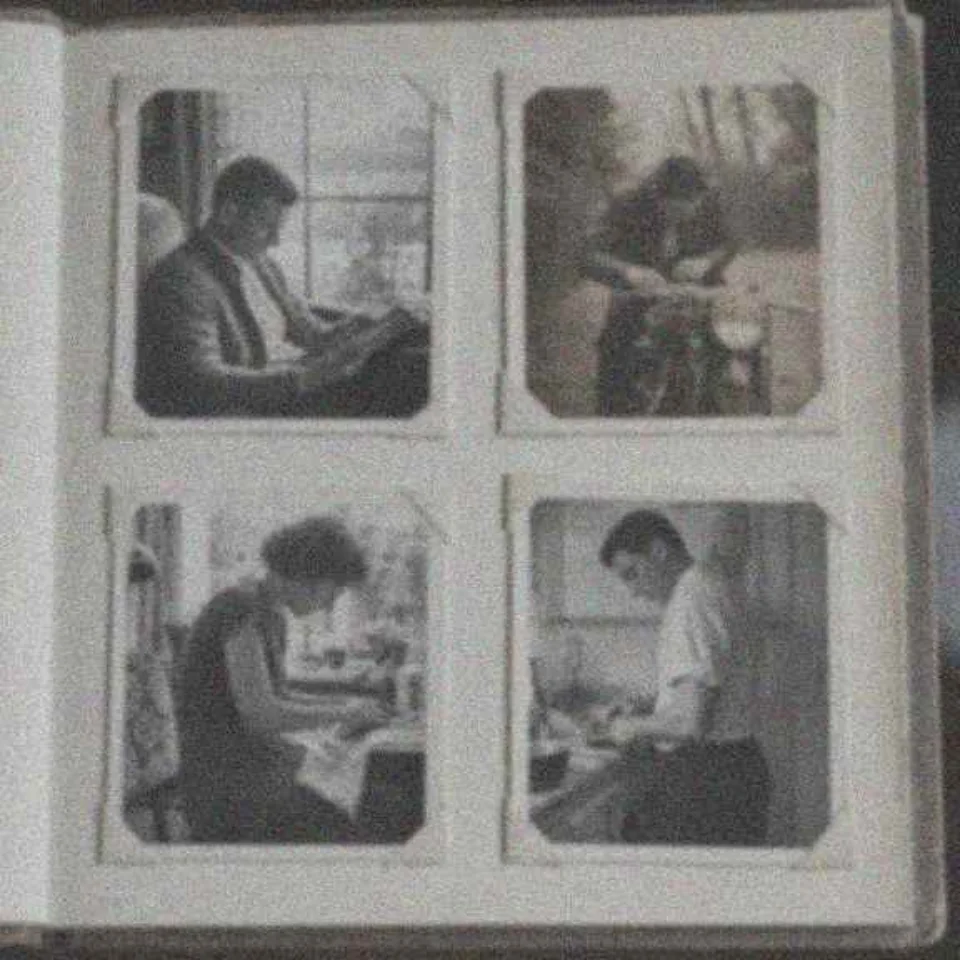
Restoring old photos is where a browser app shines, because the photos often start on paper. Scan a print on a computer or photograph it with your phone in daylight, then pick Old print as the preset. Faded color is lifted, grain stays looking like paper, soft focus is sharpened, and faces are restored from what the print shows without changing how your relatives look. If you are comparing it with desktop editors, phone apps and retouching services, our guide to photo restoration software lays the options out fairly.
For iPhone specific causes such as Night mode, Live Photo frames and macro switching, read about blurry iPhone photos. For limits that apply on any device, see how AI unblurs a photo. The app is made for your own photos, not for identifying people or reading plates.
One plan covers all your devices. Yearly billing saves 50 percent.
$9/month billed yearly ($108/yr) or $19 monthly, 40 photos a month, up to 4,000 px
$24/month billed yearly ($288/yr) or $49 monthly, 120 photos a month, batches of 20, 4x upscale, TIFF
$74/month billed yearly ($888/yr) or $149 monthly, 360 photos a month, batches of 100, 3 team seats
Compare them on the pricing page. Cancel anytime, your plan runs to the end of the paid period.
UnblurPicture is a browser app, so you open it at unblurpicture.com and can add it to your home screen. It works like an installed app without a store download.
Yes. The full-resolution work runs on our servers, so any phone with a current browser gets the same result.
Yes. Your plan, allowance and 30-day history follow your account to every device you sign in on.
No. You pick the photos you want in the picker, and the browser only sees the photos you select.
No download, no setup, just your photo coming back into focus.