Midjourney Upscaler That Upscales Midjourney Images to Print Size
A Midjourney render is about 1,024 px on a square image, and the built-in upscale stops around 2,048 px. At 300 DPI that prints roughly 3.4 or 6.8 inches wide, far short of a poster or a shirt template. UnblurPicture upscales the downloaded file 2x or 4x with AI, up to 8,000 px on Pro, cleans soft edges and noise in the same pass, and exports a 300 DPI file your print shop or print on demand store accepts.
Why a Midjourney file fails the print check
Print on demand platforms and print shops look at one number before they print: how many pixels the file has at the size you ordered. A 12 by 16 inch shirt print needs 3,600 by 4,800 px at 300 DPI. A 24 by 36 inch poster needs 7,200 by 10,800 px at 300 DPI, or about half that at 150 DPI for something seen from across a room. A 2,048 px Midjourney upscale covers none of those.
The obvious fix, stretching the file in an editor, makes it big and blurry. Fine lines in line art go soft, gradients pick up banding, and the small texture that made the image look good on screen turns to mush. Upload checks may pass the stretched file, but the printed result looks cheap, and with art you sell that turns into returns and bad reviews.
What you need is more pixels with real detail in them, so the file holds up at the size the customer pays for.
An AI upscaler tuned for generated art and print
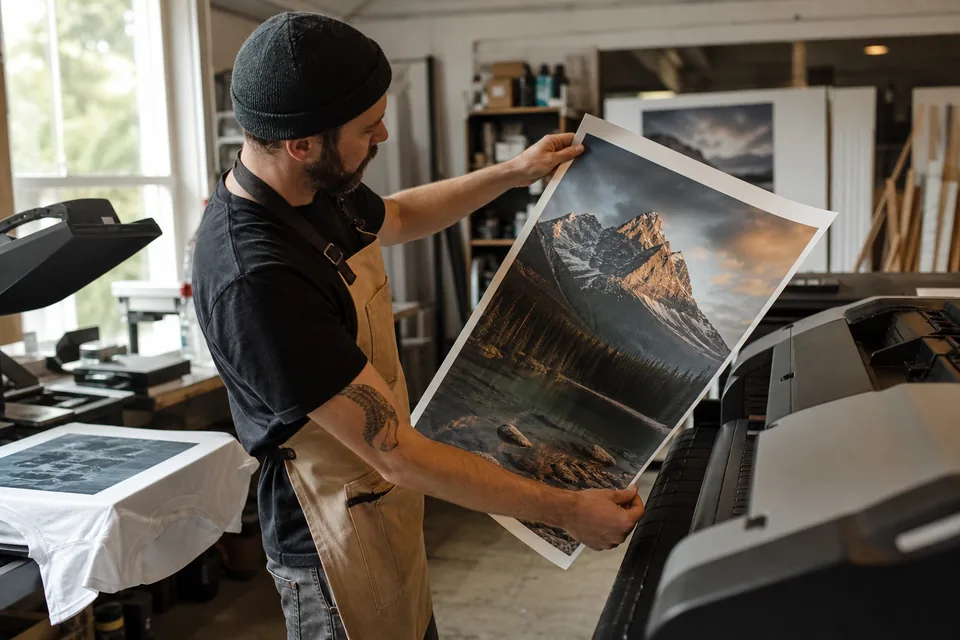
UnblurPicture rebuilds edges, line work and texture as it enlarges, rather than smearing the pixels you already have. Generated images are a good fit for this, because they are usually clean and noise free, so a 4x pass keeps crisp edges all the way to poster size.
- 2x upscaling on Personal up to 4,000 px, 4x on Pro and Studio up to 8,000 px on the long edge
- 300 DPI written into every export, so the tag matches the real pixel count
- Edge cleanup and light sharpening in the same pass, no separate tool
- PNG and JPG on every plan, TIFF for print on Pro and Studio
- Before and after slider with a zoom loupe to check line work at 100 percent
- Commercial license on Pro, for art you sell on products
How far a Midjourney image goes after upscaling
The table uses a square image. Multiply inches by 300 for a 300 DPI print, or by 150 for a large poster viewed from a distance. Our cap is 8,000 px on the long edge, so a 4x pass from 2,048 px stops at 8,000 px.
| Starting file | After 2x (Personal) | After 4x (Pro) | Sharp print at 300 DPI after 4x | Poster at 150 DPI after 4x |
|---|---|---|---|---|
| 1,024 px Midjourney render | 2,048 px | 4,096 px | about 13.6 x 13.6 in | about 27 x 27 in |
| 2,048 px after Midjourney upscale | 4,096 px, capped at 4,000 px | 8,000 px | about 26.6 x 26.6 in | about 53 x 53 in |
| 1,344 px long edge (2:3 portrait) | 2,688 px | 5,376 px | about 12 x 17.9 in | about 24 x 35.8 in |
| 2,688 px long edge (2:3 upscaled) | 4,000 px | 8,000 px | about 17.8 x 26.6 in | about 35.5 x 53 in |
For a 12 by 16 inch DTF or shirt print at 300 DPI, start from the Midjourney upscale (2,048 px) and run 2x or 4x. For an 18 by 24 inch poster, a 4x pass from 2,048 px clears 300 DPI. A 24 by 36 inch poster lands comfortably at 150 DPI, which is the usual standard for wall art at that size. If you want the full math on print sizes, see our page on how to increase DPI of image files. Selling the same art as printable downloads? The Etsy wall art upscaler page lists the pixels each size needs.
Built for people who sell what they generate
Most people searching for a Midjourney upscaler already have a design they like and a store or a client waiting for the file. These are the people who use it every week.
- Print on demand sellers on Etsy, Shopify, Redbubble style stores and similar, preparing shirt, hoodie, mug, poster and canvas files
- DTF and sublimation shops that receive customer files at 1,024 px and need them at 12 by 16 inches
- Wall art and digital download sellers offering 8 by 10, 16 by 20 and 24 by 36 inch sizes in one listing
- Designers and agencies delivering campaign key visuals that must also print on banners and signs
- Book and card makers who need a sharp cover or a full bleed page from a generated illustration
If you sell across several platforms, it helps to see which designs actually pay. A tool that can track income from Etsy and other stores in one place shows which upscaled designs are worth more sizes. For photos of physical products in the same shop, use our ecommerce photo editing preset, and run whole collections through the bulk image upscaler.
From a Midjourney download to a print file in four steps
Download the image from Midjourney at the largest size you have (the upscaled version if you made one). Upload it here, choose the Product photo preset for clean graphic art or Phone photo for photographic styles, pick 2x or 4x, and check edges with the loupe before you export.
- 1
Upload the PNG or JPG from Midjourney
- 2
Choose the preset and 2x or 4x
- 3
Compare before and after at 100 percent zoom
- 4
Download the 300 DPI PNG, JPG or TIFF and upload it to your store or send it to print
Pro takes 20 files at a time and returns a ZIP, which is how most sellers prepare a whole drop of designs at once.
Midjourney upscale vs a dedicated upscaler
Midjourney's own Subtle and Creative upscales are worth using first. They work inside the model and can add believable detail. Their limit is size, about 2,048 px on a square image, and Creative mode can change faces and small details you liked. A dedicated upscaler picks up where that stops.
| Midjourney built-in upscale | Editor resize (Photoshop, Canva) | UnblurPicture | |
|---|---|---|---|
| Largest output | About 2,048 px square | Any size, but soft | Up to 8,000 px on Pro |
| Detail when enlarged | Rebuilt, sometimes changes the image | Stretched, blurry edges | Rebuilt, keeps the composition |
| DPI for print | Not set for print | Set by hand | 300 DPI in every export |
| TIFF export | No | Yes | Pro and Studio |
| Batch | One image at a time | Manual actions | 20 on Pro, 100 on Studio |
| Price | Included in your Midjourney plan | Your editor subscription | From $9 a month billed yearly |
Desktop apps like Topaz Gigapixel also do this well on a fast computer. We compared prices in our Topaz Photo AI alternative guide.
What an upscaler will not fix in AI art
Upscaling keeps what is in the image. If a hand has six fingers or text in the design is garbled, it will be garbled at 8,000 px too, so fix those in Midjourney with Vary Region or in an editor first. Heavy JPG compression from screenshots or chat apps also limits how far a file can go, so always download the original PNG.
Ownership of the image itself is set by Midjourney's terms and your Midjourney plan, not by us. Our Pro and Studio commercial license covers the processed file we return to you. Check the platform rules of your store for AI-generated art, since some marketplaces ask you to label it.
Plans for Midjourney print work
Yearly prices save 50 percent. Monthly billing is also available, and you can run one preview on your own image before you pay.
| Plan | Price | Images per month | Max upscale and output | For selling |
|---|---|---|---|---|
| Personal | $9/month billed yearly ($108/yr) or $19 monthly | 40 | 2x, up to 4,000 px | Personal license only |
| Pro | $24/month billed yearly ($288/yr) or $49 monthly | 120 | 4x, up to 8,000 px, TIFF, batch of 20 | Commercial license |
| Studio | $74/month billed yearly ($888/yr) or $149 monthly | 360 | 4x, batch of 100, API, 3 seats | Commercial license |
Anything you put on a product and sell needs the commercial license that starts on Pro. All details are on the pricing page.
Midjourney upscaler questions
How do I upscale Midjourney images for print?
Download the largest version from Midjourney, upload it to an AI upscaler and run 2x or 4x until the pixel count matches your print size at 300 DPI. On UnblurPicture Pro a 2,048 px image reaches 8,000 px, enough for a sharp print about 26 inches wide, and the export carries 300 DPI.
What is the max resolution of Midjourney?
A standard Midjourney render is about 1,024 by 1,024 px for a square image, and the built-in Subtle or Creative upscale doubles that to about 2,048 by 2,048 px. Other aspect ratios have a similar pixel count spread across the longer side. Anything larger needs an external upscaler.
Can you print Midjourney images?
Yes, once the file has enough pixels. A 2,048 px Midjourney image prints sharp at about 6.8 inches wide at 300 DPI. For posters, canvas or shirts, upscale it 4x first, then print at 300 DPI, or at 150 DPI for large wall art seen from a distance.
What is the best upscaler for Midjourney art?
The best one keeps line work and texture crisp, reaches the pixel size your product needs and exports at 300 DPI. UnblurPicture does that in the browser up to 8,000 px with a commercial license on Pro. Topaz Gigapixel is a strong desktop option if you have a fast GPU and want to work offline.
Can I sell upscaled Midjourney images on Etsy?
Generally yes, if your Midjourney plan grants you the rights to the image and you follow Etsy's rules for AI-generated listings. On our side you need Pro or Studio, which include a commercial license for the upscaled file. Check Midjourney's current terms for your plan.
Turn your next Midjourney design into a print ready file
Upload the render, upscale it 4x with clean edges and download a 300 DPI file sized for your poster, canvas or shirt template.